
Websites and stores
Host a business website, a client project or an online store.
 Virtual servers, hosted in Singapore
Run your websites, applications, AI agents and self-hosted software on a VPS in Singapore. Choose the resources, Linux operating system and billing term that suit your project.
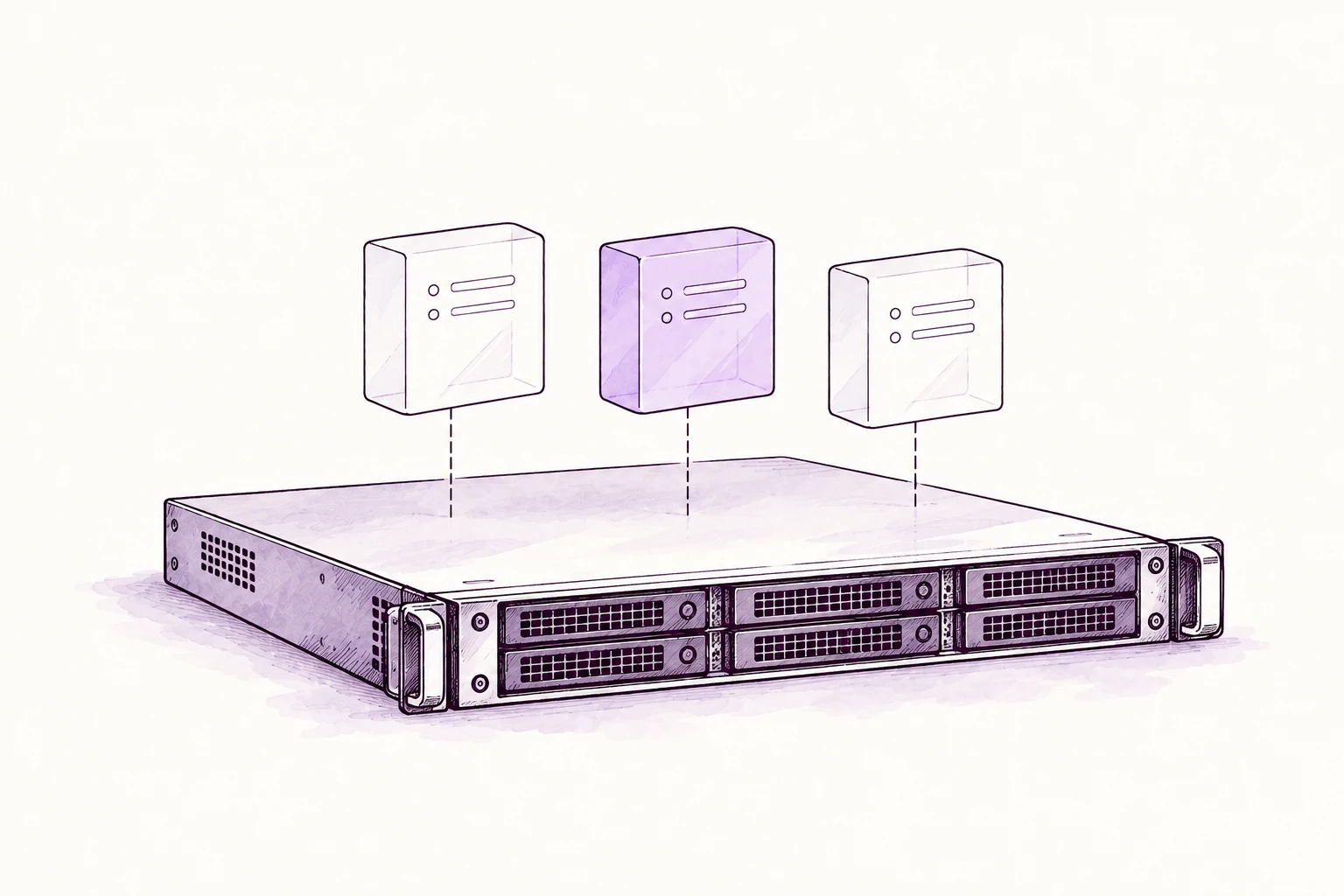

 HPEYour choice of Linux. Your own public IP.
Host websites, applications, AI agents and team software in your own Linux environment.
Host a business website, a client project or an online store.
Run your application backend, APIs and containers.
Set up a database or a backend for your own application.
Host AI assistants, chat interfaces and workflows connected to your chosen model provider.
Self-host your code, files and collaboration tools.
Your apps. Your AI tools. Your VPS.
 OpenClaw
 WordPress
 Docker
 Open WebUI
 Nextcloud
 PostgreSQL
 AnythingLLM
 Supabase
 GitLab
 MariaDB
Choose software to suit your server’s resources. Application setup, licences and any model-provider usage are separate.
Four sizes, with room to add storage and public IPs. Choose a term to compare prices.
Monthly price
$16 billed monthly
Recommended
Monthly price
$32 billed monthly
Monthly price
$47 billed monthly
Monthly price
$63 billed monthly
Yearly and two-year terms are paid upfront. Monthly equivalents are shown for comparison. Prices exclude tax and optional upgrades.
Choose your billing term and resources. Your full payment updates with your selections.
Choose your resources and billing cycle. See the full price before you continue.
Longer terms reduce the server and extra storage rates. Extra public IPs keep their monthly rate.
Select any apps you’d like us to set up. Setup, licences and AI-provider usage are arranged separately from your VPS plan.
10 Gbps sharedfacility network
HPE8 vCPU, 16GB RAM, 240GB SSD. $32 billed monthly, before tax.
Your selected resources, an operating system of your choice and a public IP. We look after the physical server.
Choose 4–16 vCPU with 8–32GB RAM. Memory and included SSD storage scale with the CPU size.
Start with 120GB, rising to 480GB on the largest size. Add extra storage in 50GB steps.
One public IP is included with every VPS. Add more in the configurator if your setup needs them.
Select Ubuntu LTS, Debian, AlmaLinux or Rocky Linux. We prepare the server with your chosen operating system.
Your server runs in our Singapore facility, connected through the shared 10 Gbps facility network.
Pay monthly, yearly or every two years. No introductory renewal increase. We’ll notify you before any platform-wide price change applies at renewal.
Access, upgrades, backups and billing. Find what you need.
The starting VPS has 4 vCPU, 8 GB RAM, 120 GB SSD and one public IP. Larger sizes and extra storage or IPs are available in the configurator. You choose the Linux operating system; we prepare the VPS and email your access details.
Your VPS is hosted in Singapore. Changing your country or display currency does not move it. External services you connect may process data in other countries.
Choose Ubuntu LTS, Debian, AlmaLinux or Rocky Linux. We prepare the selected operating system. Ask before ordering if you need another OS, a particular version or a custom installation.
Run compatible Linux software such as websites, APIs, databases and self-hosted business tools, within your chosen resources. Check software requirements and licences first. App installation, migration and ongoing management can be arranged separately.
Our team prepares your chosen configuration and emails the connection details and first steps when it is ready. Use your order reference when asking for an update. Custom setup requirements and timing are confirmed with you.
Use an SSH client on your computer with the IP address, account and authentication details supplied in your handover email. Tell us during setup if you want to use your own SSH public key. Never send your private key through an enquiry form or chat.
You administer your VPS rather than sharing a website control panel. Tell us whether you need direct root login, a sudo account or SSH-key-only access so we can confirm the access arrangement before handover. App-specific accounts are separate from Linux administrator access.
For a standard VPS, you manage the operating system, apps, updates, credentials and workload security. FUERZA manages its underlying hosting infrastructure. Ongoing updates, security work or application support require an agreed managed-service scope.
You can configure Linux firewall rules and use HTTPS certificates for compatible applications. Keep SSH access allowed while changing rules. If you want us to configure or maintain these for you, ask for that scope before setup.
You can create separate Linux or app accounts where the software supports them. Give each person only the access they need and keep credentials private. A single public IP does not limit you to one user.
Ask us to review the current setup, data size and access requirements before ordering migration work. We will confirm what can move, any charges and the cutover plan. Migration is not automatically included in the VPS resource price.
Contact us with your order reference and the size you need. We check availability, confirm the price and agree when to make the change. Do not assume a resize is instant or can happen without a restart.
Yes. Extra storage is offered in 50 GB steps in the configurator. For an existing VPS, contact us to confirm the change and any disk or filesystem work. Storage expansion and shrinking a disk are different operations; do not assume an expanded disk can be reduced later.
One public IP is included. Request extra IPs in the configurator or ask us about an existing VPS. Availability and any relevant requirements are confirmed by the team. Extra IPs keep their monthly rate when you choose a longer billing term.
Contact us first so we can confirm the options, cost and schedule. Reinstallation can erase the existing environment; downsizing may require a migration. Keep a verified backup and agree the steps before any destructive change.
Do not assume automatic backups are included with a standard VPS. Keep your own copies, or agree a backup service with us. The backup schedule, retention, storage and restore support must be confirmed separately.
A restore depends on having a usable backup. Contact us promptly and avoid changes that could overwrite recoverable data. If you have an agreed backup service, we check its available restore points and scope; recovery is not guaranteed without a verified backup.
No. 10 Gbps describes the shared facility network, not reserved throughput for each VPS. Actual transfer speed depends on shared use, your workload, the destination and the route between you.
The configurator does not promise unlimited traffic or a dedicated transfer rate. Tell us about sustained high traffic, unusual port requirements or network-heavy workloads before ordering so we can confirm suitability and any applicable limits or charges.
Contact the team with your order reference, when it started and the error you see. We check the hosting side and help identify the next step. App debugging and customer firewall changes may need separate support. Do not include passwords or private keys in the first message.
Monthly pays for one month at a time. Yearly and two-year terms are paid upfront and may lower the monthly equivalent. Review the full amount due and billing interval before paying. The interval also applies at renewal.
The VPS service prices are before applicable tax. Checkout confirms tax using your billing details. USD, SGD and INR are payment currencies; other local currencies are estimates, with payment in USD. The page identifies the payment currency before you continue. OpenClaw prices also exclude applicable tax.
There is no introductory renewal increase. Platform-wide changes may apply at a later renewal; we notify you before the changed rate applies. Changes to your resources, extras or billing term are confirmed separately.
Contact us before your next renewal with your order reference and ask to cancel renewal. Your service continues until the end of the paid term unless you agree otherwise. Save the data you need before the service ends. See our cancellation terms.
Unused time on a prepaid term is generally not refundable, except where required by law, a charge is incorrect or we cannot provide the service. Data may remain recoverable for up to 90 days after service ends, then workspace copies and backups are deleted within that period. Request earlier deletion if needed; billing records have separate retention rules. See the refund and data terms.
No matching answers. Try another word or ask our team.
Choose your server, complete the order and we’ll prepare it for you.

Set your resources, operating system and billing term. Review the complete server price before you continue.
Enter your contact and billing details, then review the final amount, including applicable tax, before paying through Stripe.
We prepare your VPS and email the login details and first steps when it is ready. Paul is available through your order page if you need help.

Tell him what you’re hosting and the help you need. He’ll help you choose the right setup.
 WhatsApp Paul