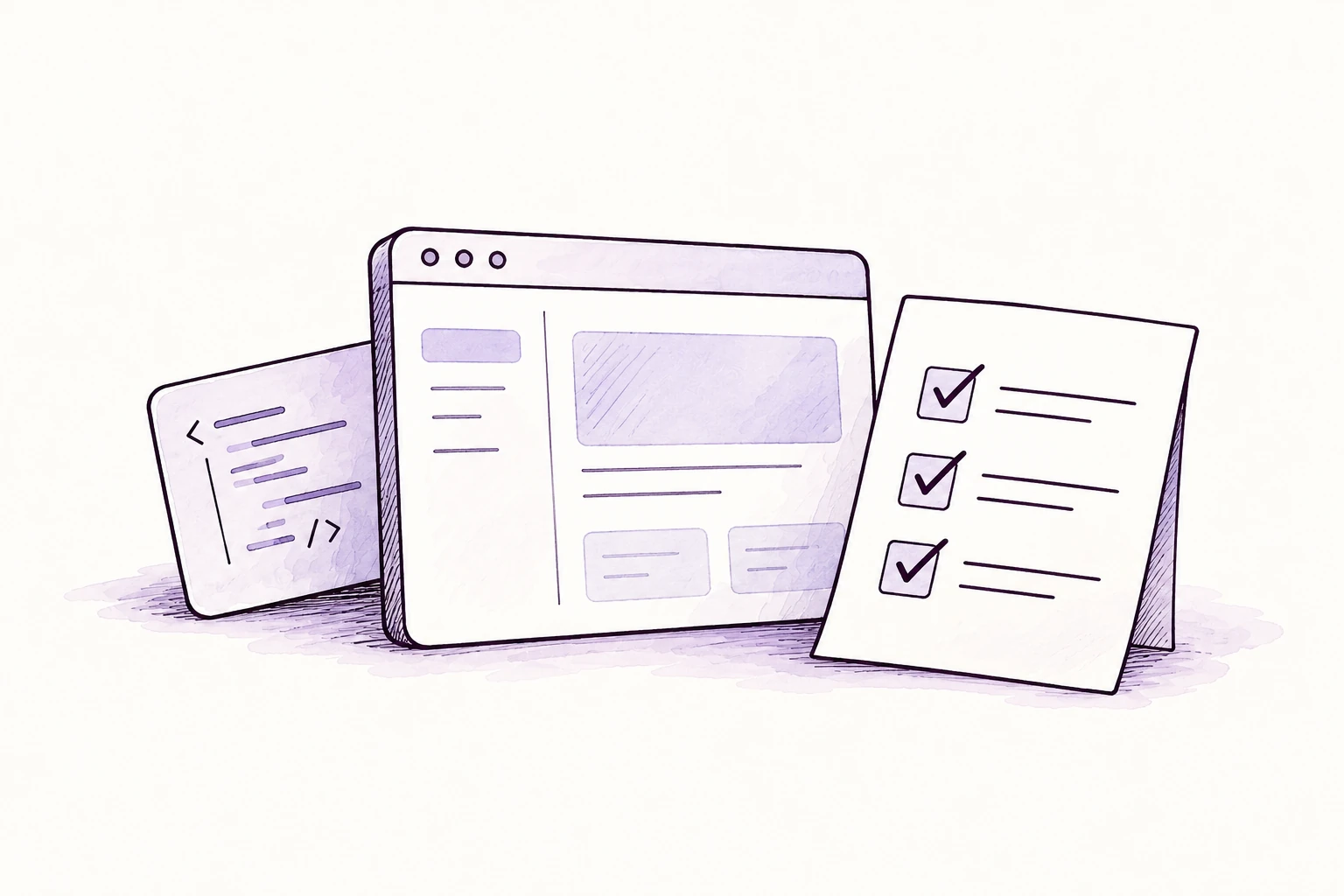
Agentic coding
Deliver a tested code change
Ask a coding agent to investigate, implement and test a feature for your review.

OpenClawHosted by FUERZA
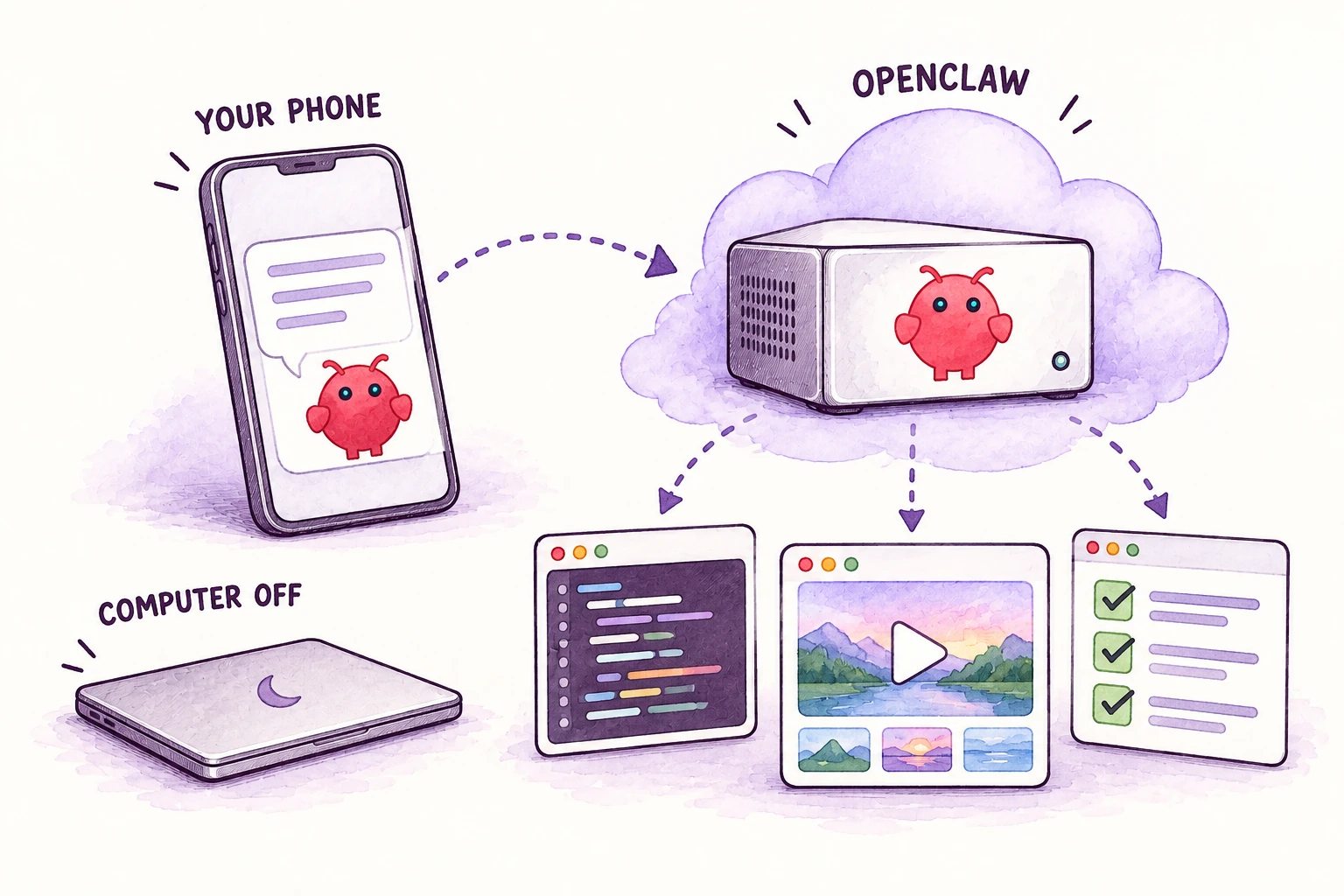
Create, code and organise with OpenClaw. FUERZA gives your AI its own cloud computer, so you can reach it from your phone even when yours is off.
Billed monthly · Plus applicable tax · AI credits extra.
Work. Business. Everyday life.
Build an app, produce a video, run an experiment or coordinate a project. Give your AI a bigger job to work on.
Agentic coding
Ask a coding agent to investigate, implement and test a feature for your review.
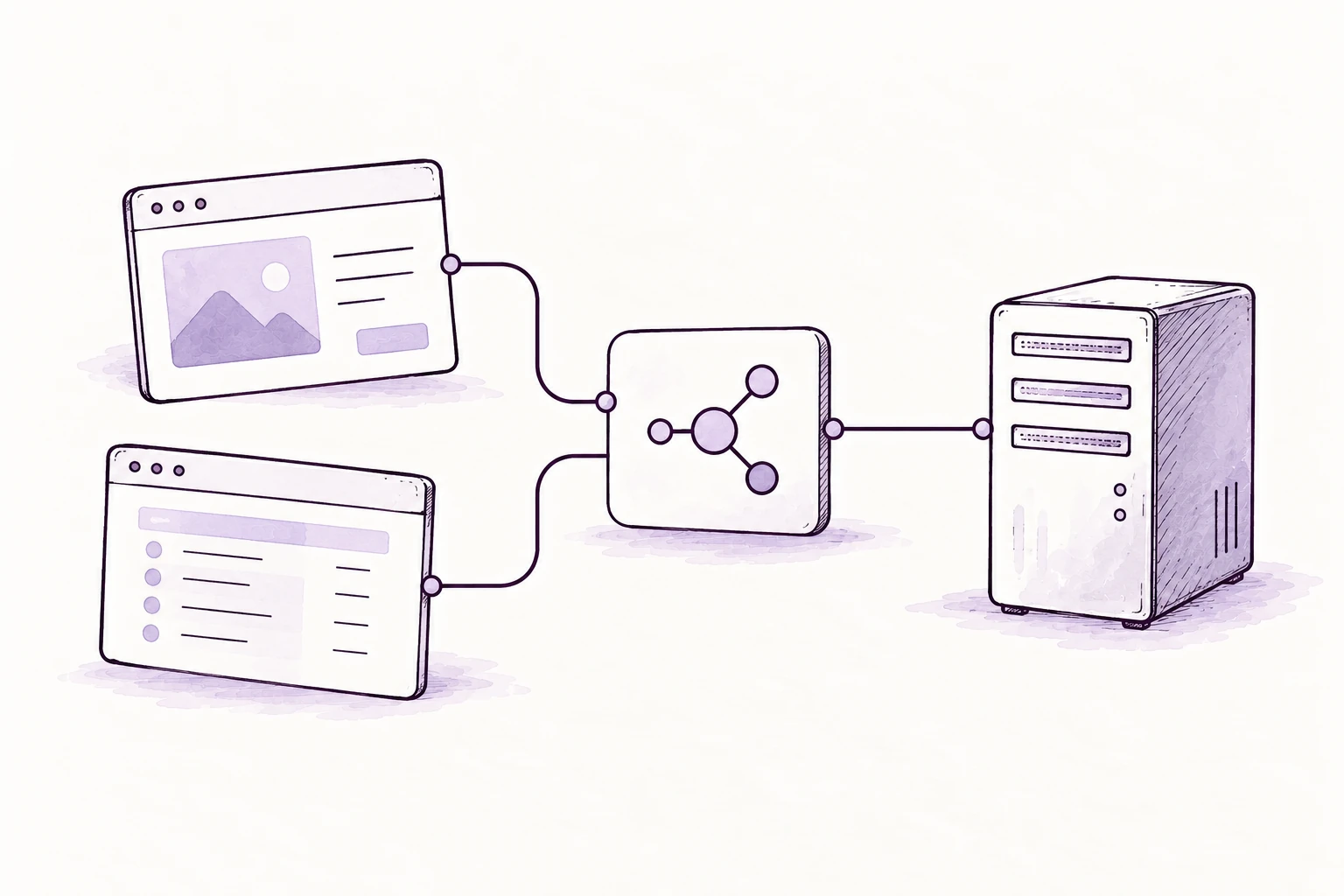
App building
Turn a brief into an app, connect its data and test the main flows.
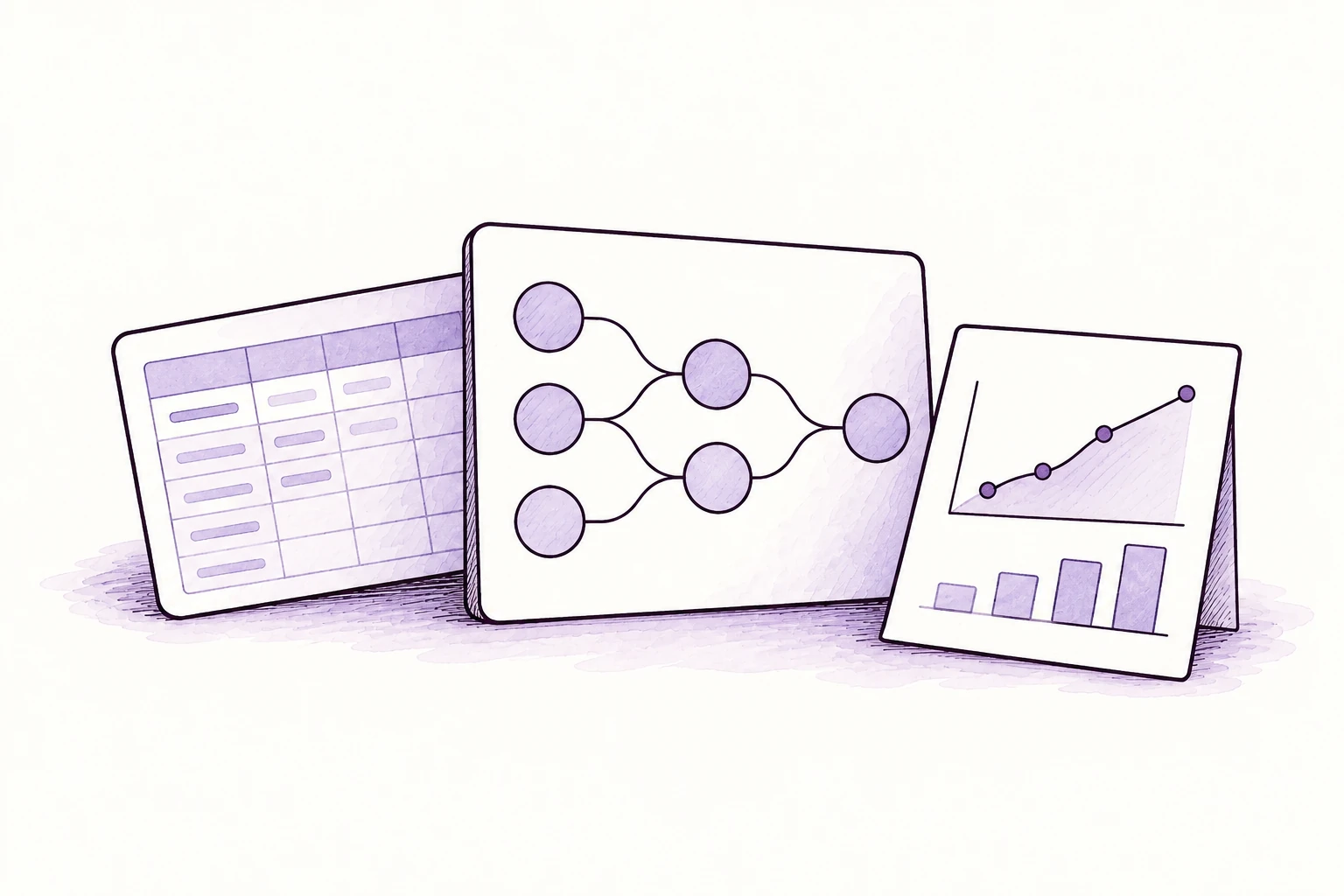
Machine learning
Prepare data, write machine-learning code and compare runs on suitable compute.

Image generation
Develop a consistent set of images from your brand, product and brief.

Video generation
Turn a brief or image into a clip through connected video-generation tools.
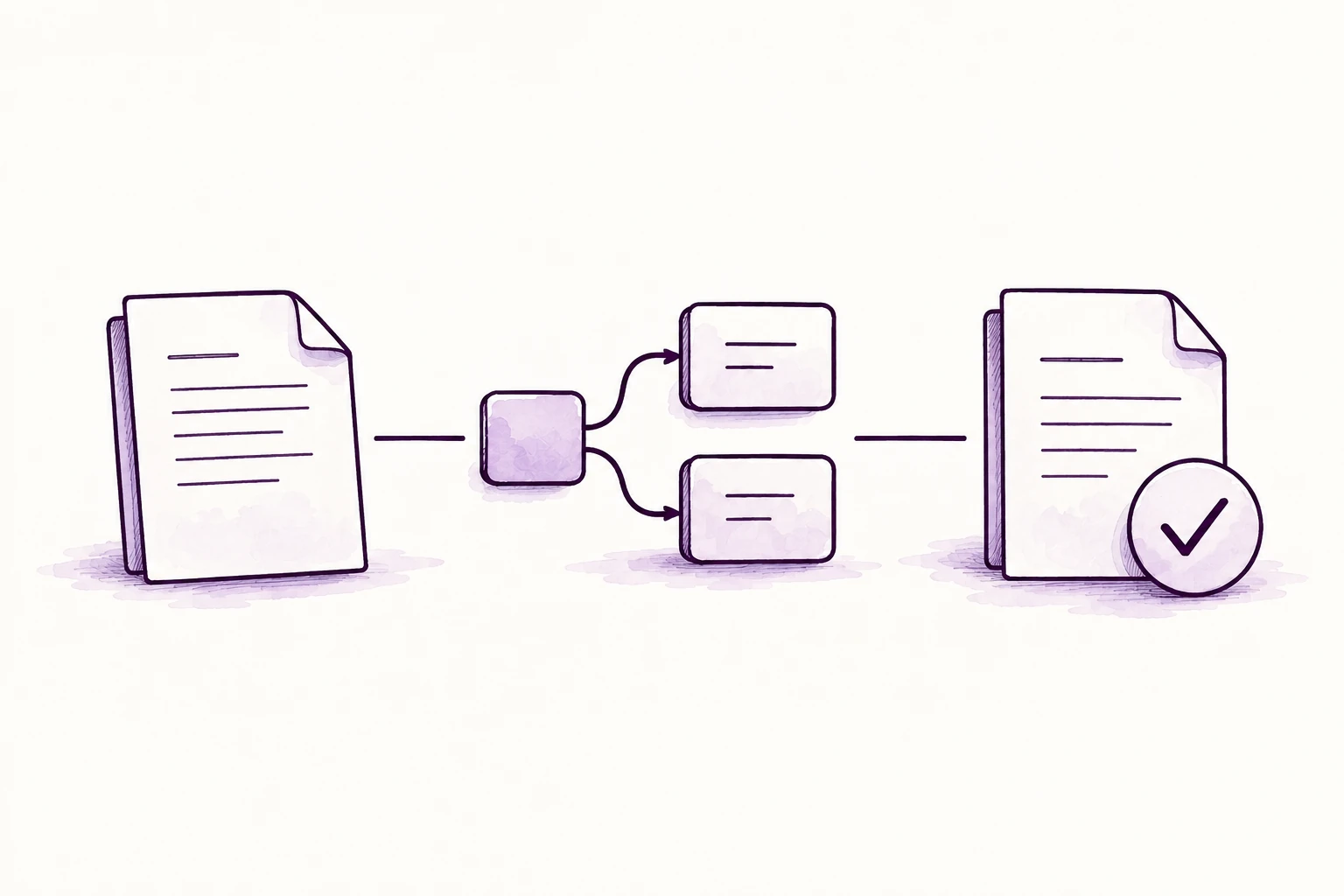
Automation
Connect apps to move information through a repeatable workflow.

Research
Compare markets, competitors or suppliers and produce a brief with sources.
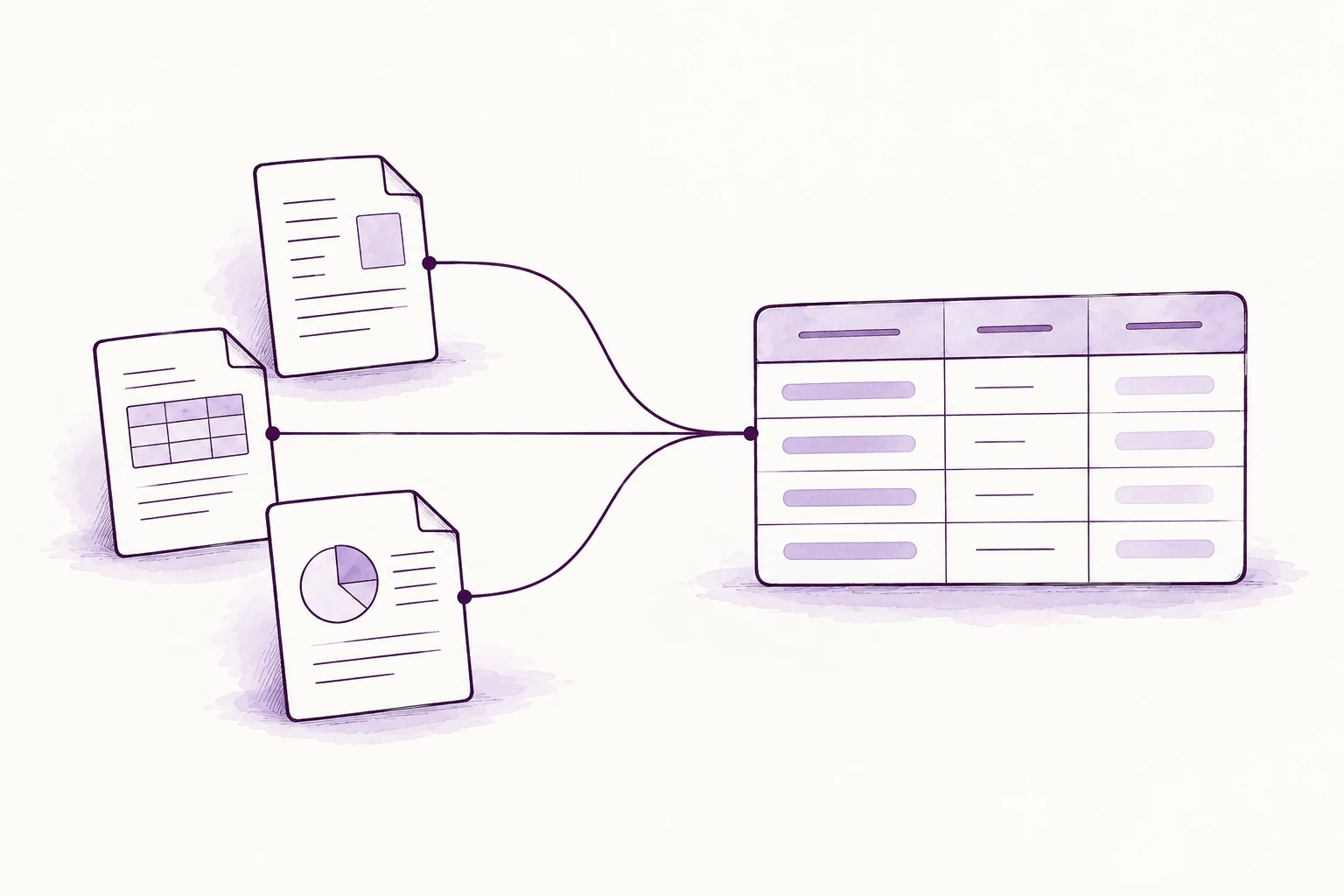
Data analysis
Clean spreadsheet data, investigate patterns and prepare charts and explanations.

Content creation
Turn one idea into coordinated articles, emails and social posts.

Coordination
Break a goal into tasks, track progress and prepare updates and follow-ups.
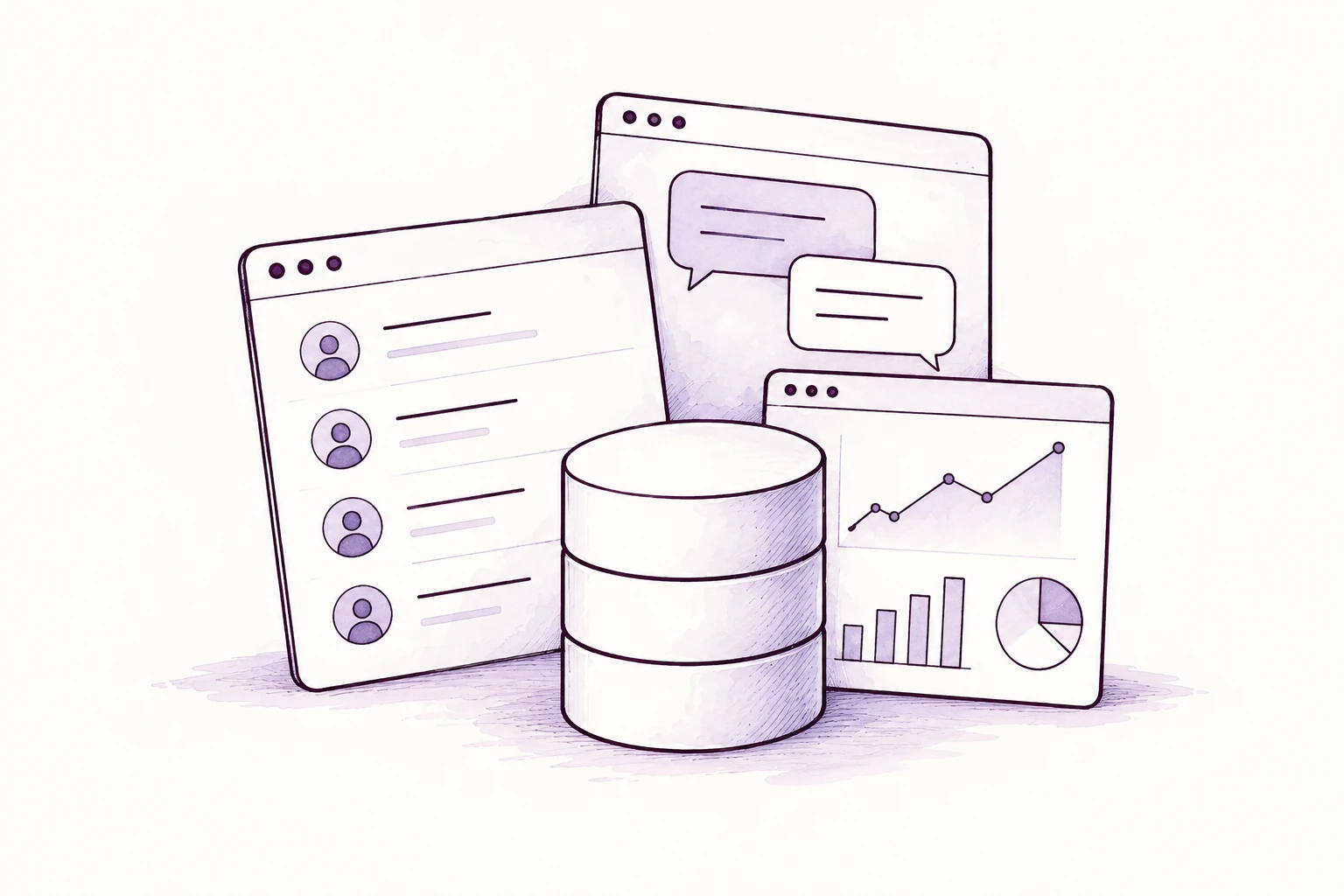
Business reporting
Bring approved data together into a view of the numbers that matter.
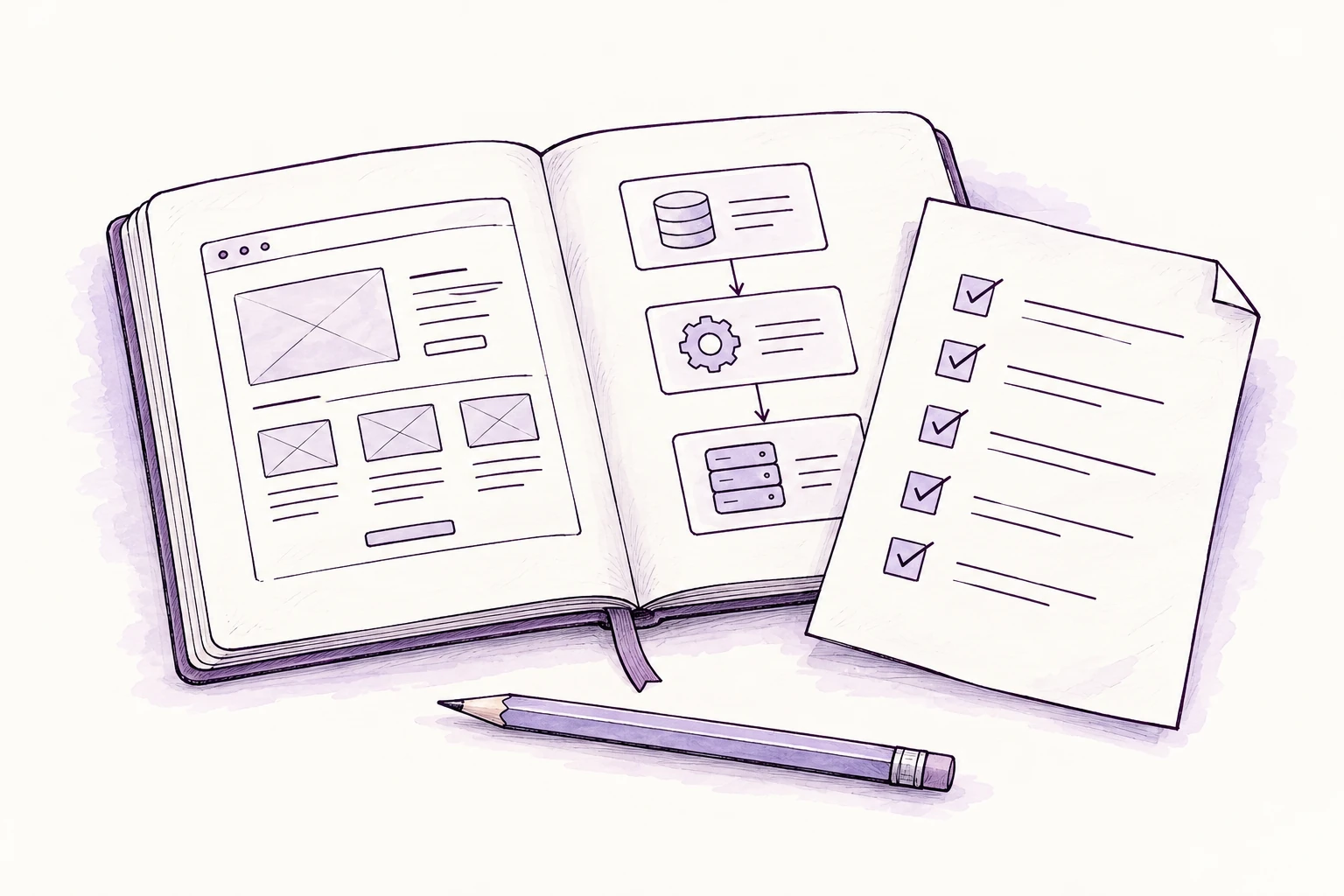
Everyday life
Compare routes and stays, then organise an itinerary around your needs.
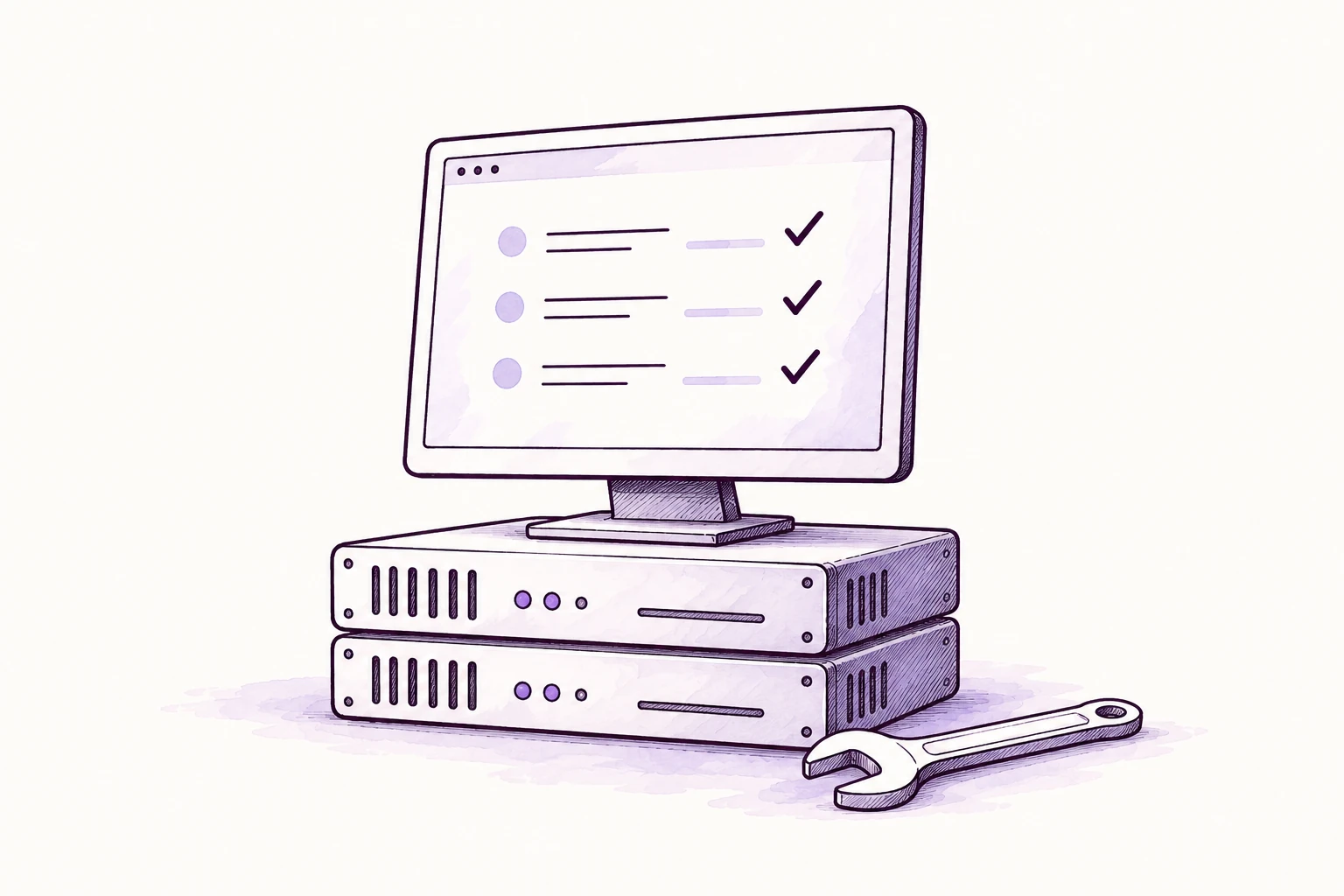
Testing and debugging
Check an app’s main user journeys and investigate where they break.
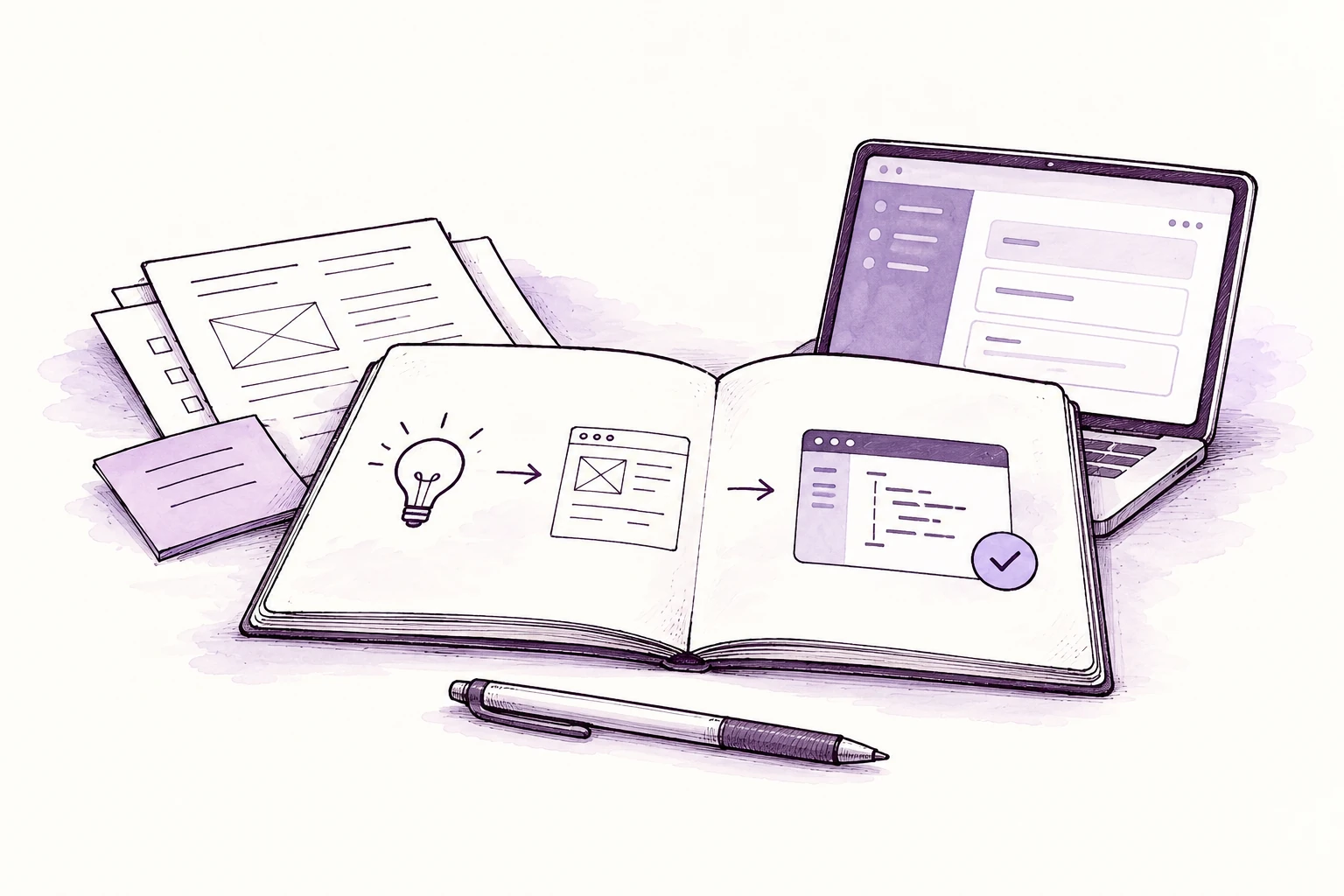
Presentations
Build the story, slide content and speaker notes from your material.
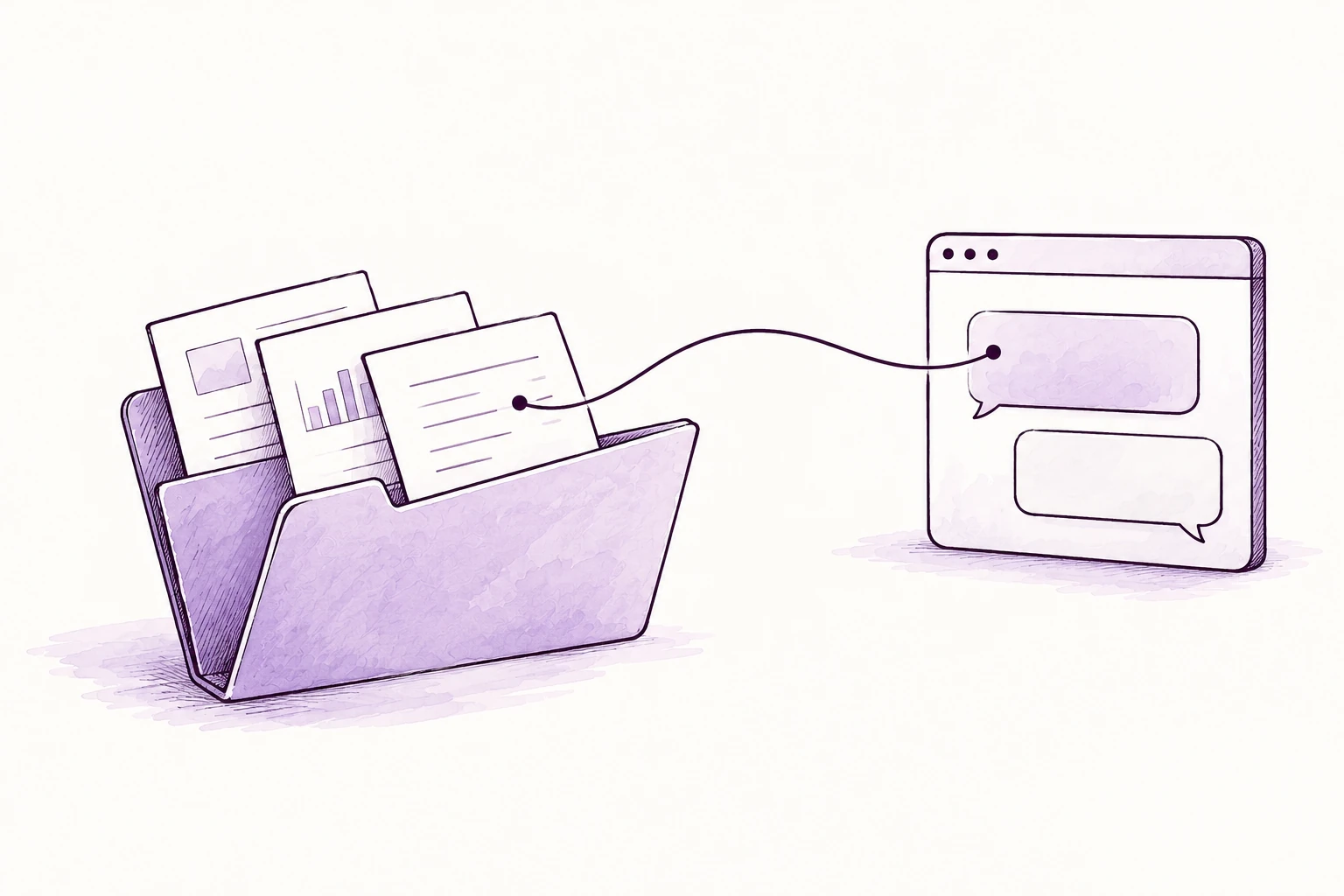
Knowledge
Bring related files together and ground answers in the sources you share.

Customer communication
Use approved customer context to draft helpful replies and track next steps.
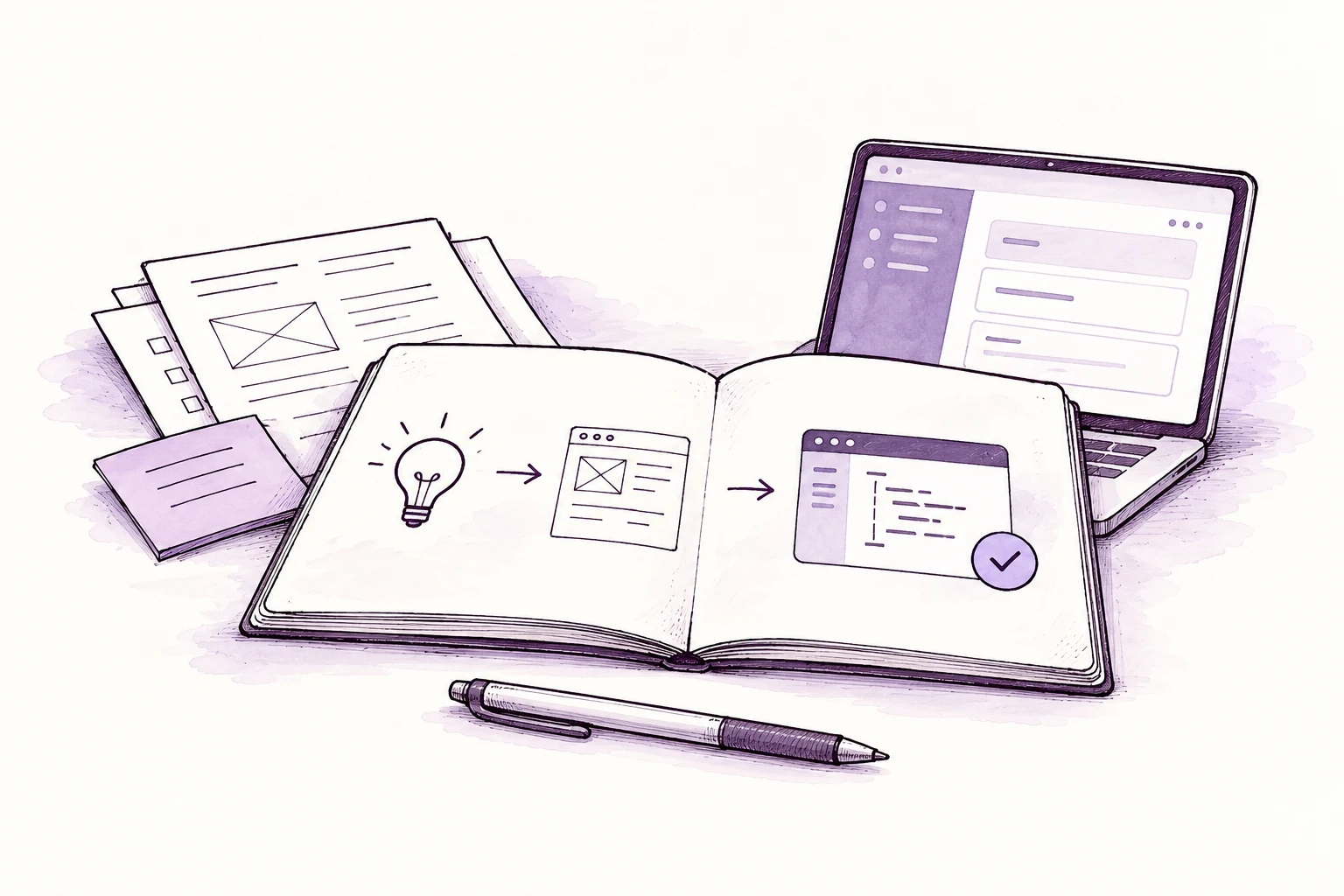
Sales and proposals
Research the requirement and shape a proposal, scope and supporting pitch.
Everyday life
Turn a move, event or course of study into a plan, research and reminders.
AI credits are billed separately.
 GitHub
 Gmail
Gmail Discord
 Notion
 Chrome
 Spotify
 Slack
Slack Runway
 Google Calendar
 Telegram
 Google Drive
 WhatsApp
 Google Chat
 fal
fal Obsidian
 Microsoft Teams
 Google Sheets
 ElevenLabs
 Lark
Lark Home Assistant
 Matrix
 Perplexity
 Signal
 Sonos
Sonos Mattermost
 ComfyUI
 LINE
LINE X / Twitter
 Nextcloud Talk
 Deepgram
 WeChat
 Philips Hue
 Twitch
 PixVerse
 1Password
 Zalo
Zalo QQ
QQ Synology Chat
 Nostr
Nostr ClickClack
Connect during setup. You control access.
Your OpenClaw setup
Build software, research answers and organise your work. Create content, images and video, too.
Pay monthly. Tax added at checkout.
Code, write & plan
Fix code, draft emails and research answers. Plan your day and create content with connected tools.
Ubuntu LTS · 1 public IP · Singapore
$16.00 billed monthly
Recommended
Build, connect & coordinate
Build apps, coordinate work and automate follow-ups. Connect research, data and content.
Ubuntu LTS · 1 public IP · Singapore
$32.00 billed monthly
Agents & automation
Run coding agents and business workflows together, with room for data, image and video tools.
Ubuntu LTS · 1 public IP · Singapore
$63.00 billed monthly
AI credits are billed separately.
What it can do, how your setup works and what you pay for.
OpenClaw is an AI assistant that can use apps, files and tools to carry out work. Ask it to build software, create content, research a topic or organise tasks. You choose what it can access and review the results.
We provide your cloud computer, prepare OpenClaw and help you get started. Ongoing care covers updates and security maintenance. Your chosen AI provider supplies the models; AI credits are paid separately. Backups and application support are agreed individually.
It needs somewhere to run tools, keep files and continue tasks. Giving OpenClaw a cloud computer means it can work without keeping your own computer on, and you can reach it from another device.
It is a computer running in our Singapore infrastructure that you reach over the internet. Your package gives it processing power, memory and storage. You use OpenClaw through a browser rather than keeping it running on your personal computer.
All three, and everyday life too. Developers can build and test software, creatives can work on content and media, and business users can research, organise information and coordinate work. The tools you connect shape what it can do.
No. You can describe a task in ordinary language. We help with the initial setup and first steps. More advanced workflows, coding tools and private connections may need technical decisions, which we can discuss with you.
Choose a package and billing term, then customise your setup with a recommended combination or individual tools. Review your choices, enter your details and pay through Stripe. If you are unsure which setup fits, talk to Paul first.
Our team reviews your selections and prepares your cloud computer and OpenClaw. Handover is sent by email with your workspace link, access instructions and first steps. You connect your AI account privately once the workspace is ready.
Yes. With the right coding tools and repository access, it can investigate bugs, edit code, run tests and help build apps or features. Review changes before merging or deploying them, especially when they affect customers or live systems.
Yes, through connected image and video tools. Any package can request generation from a provider; the provider uses its own computing resources and credits. Tools such as FFmpeg can process media on your cloud computer. A GPU is not included in these packages.
It can gather information through connected search or browser tools, compare options against your criteria and prepare a summary with sources. Give it a clear question and check important claims against the original sources, particularly when information changes quickly.
With permission to use the relevant apps, it can turn meeting notes into tasks, prepare customer follow-ups, organise project information and connect steps in a workflow. Keep approval steps for actions such as sending messages, changing records or publishing work.
Yes. It can summarise documents, extract information, help clean data and prepare reports using files you share or services you connect. Scanned documents may need text recognition. Large files and complex analysis need enough memory and storage.
You can use tools such as JupyterLab and Python for data preparation, analysis and CPU-based experiments. Large model training or demanding local inference may need separate GPU resources. These OpenClaw packages do not include a GPU or unlimited training capacity.
It can help plan a trip, compare purchases, organise household information, draft messages or make a practical plan from scattered notes. Connect only the accounts and information needed for the task, and approve bookings, purchases or messages yourself.
What it can do depends on the tools, permissions and workflows you enable. Agree which actions need your approval, especially sending, deleting, purchasing or publishing. Approval controls vary by tool; access to an account should never be treated as permission to do everything.
AI can make mistakes, miss context or use a tool incorrectly. Review its work before you use it. Test code, check sources and verify important figures. Use qualified advice for decisions involving health, law or significant financial consequences.
Sidekick has 4 vCPU, 8 GB RAM and 120 GB SSD. Double Shift has 8 vCPU, 16 GB RAM and 240 GB SSD. Full Tilt has 16 vCPU, 32 GB RAM and 480 GB SSD. They offer the same choice of capabilities, with different room for tools, files and tasks.
Sidekick is a starting point for writing, research and lighter coding tasks. Double Shift gives app builds, browser work and connected apps more room. Full Tilt suits several coding, automation or data tools running together. Tell Paul your actual workload if you need sizing help.
Developer suggests OpenCode and code-server, coding agents and task tracking. Creative suggests Penpot and FFmpeg, structured memory and task tracking. Business suggests n8n and NocoDB, workflows and task tracking. Each also suggests useful connections, which you authorise after setup.
Yes. A combination is a starting point. Add or remove individual apps, capabilities and connections below it. Switching combinations replaces its suggested additions while keeping choices you added yourself. Select the active combination again to remove its remaining suggested additions.
No. OpenClaw already includes its own browser chat. Companion apps and additional capabilities are optional. Start with the tools you actually need; installing more software uses more of your package’s memory, storage and processing power.
It does not change your package, billing term or AI provider. The configurator does not add a separate FUERZA fee for these app selections. They share your chosen resources. AI credits remain separate, and you need any accounts or permissions required by connected services.
We use Ubuntu LTS as the default for the OpenClaw setup. The software runs on the cloud computer; your own phone or computer does not need Ubuntu. Tell us before ordering if you need a different operating system or specialist software.
Contact us with the changes you need. We will confirm compatibility, any work involved and the revised total before making a paid change. Some changes may require downtime or moving data, so arrange them with us rather than assuming they happen automatically.
No. Your package pays for the cloud computer and OpenClaw setup. Model usage and generation credits are paid to your chosen AI provider. Connecting an account does not give it free or unlimited usage.
It is a private credential that lets OpenClaw use your AI provider account. You create it with the provider and enter it in your private workspace during setup. Treat it like a password. Do not put it in checkout notes, support messages or email.
The setup offers OpenAI, Claude, Gemini, Mistral, DeepSeek, Qwen, Z.AI, Kimi, MiniMax and other supported options. OpenRouter gives access to models through one provider account. Model availability, features and charges depend on the provider and account you connect.
A chat subscription does not automatically include API credits. Some tools support a provider’s account login, while others need an API key with separate billing. Check the supported connection and your provider’s terms before relying on an existing subscription.
OpenClaw supports choosing models and connecting supported providers. You can change the selection in your private settings. A different model may have different costs, context limits and tool support, so test it with the tasks you want to run.
You can connect a reachable Ollama or other supported model endpoint. Running a model on the same cloud computer depends on its memory, model size and speed requirements. These packages are CPU-based; choosing Ollama does not add GPU hardware or guarantee a model will fit.
Check usage in your provider account and use spending limits or alerts where available. More tasks, longer conversations, retries and image or video generation can use more credits. Start with a small workflow and check its cost before leaving it running regularly.
Companion apps are software installed alongside OpenClaw. Connections let it work with services you already use. Capabilities add a particular way of working, such as coding agents, repeatable workflows or structured memory. Choose them for the jobs you need, rather than selecting everything.
The selection includes services for code, email, calendars, files, team chat, research and media, such as GitHub, Gmail, Google Drive, Slack, Telegram and WhatsApp. Each connection has its own setup requirements. Tell us which actions you need so we can check the fit.
No. Your selection tells us what you want in the setup. You still need to sign in, pair a device or grant permission through the service’s supported process. We do not receive access to your accounts simply because you select their logos.
Usually, yes. You need an account with the service you want to connect, and some connections need a paid plan or administrator approval. We cannot grant access that the account owner has not authorised. Check company rules before connecting work systems.
Yes. The companion options include Claude Code, Codex CLI, Gemini CLI and OpenCode. Choose the agent that fits your workflow and provider account. It needs its own supported authentication, and access to your code and tools must be authorised.
OpenClaw already has browser chat. Open WebUI adds another chat interface. AnythingLLM provides a separate workspace for document chat and search. Knowledge adds structured memory for facts, notes and their sources inside OpenClaw. They serve different purposes and are all optional.
Yes. Add its name and what you want to do in the setup notes, or ask Paul before ordering. We will check whether it can run on Ubuntu, connect to OpenClaw and fit your resources. A logo elsewhere does not guarantee that every feature is supported here.
Only if the service can be reached securely and you have permission to connect it. Home devices, private networks and desktop-only tools may need an additional connection or a device that stays online. Selecting them does not automatically expose or connect your private network.
Open the workspace link we send in your phone or tablet’s browser and follow the sign-in or pairing steps. Telegram or WhatsApp access needs a separate authorised connection. If your setup uses Tailscale, connect to that private network first. We guide you through the access method prepared for your workspace.
Tasks that use tools, files and connections available on the cloud computer can continue. A task that depends on a file, browser session or tool available only on your own device still needs that device online. Turning off your computer does not turn off the cloud computer.
These packages are hosted in Singapore. The country selector changes the pricing presentation; it does not move your computer to that country. Connected AI providers and other services may process information in their own locations.
It does not automatically get access to your personal files. Share, upload or connect the files it needs. A separately authorised device connection can give it more access, so check permissions and keep unrelated or sensitive information out of its workspace.
When you use an external AI model or service, relevant prompts, files or task information may be sent to that provider. Hosting OpenClaw on your own cloud computer does not keep every connected service local. Choose connections with data requirements that suit your work.
That depends on the provider, product, account settings and terms you use. FUERZA hosting does not override those policies. Check them before sharing confidential or regulated information. Our Privacy Policy explains how we handle information for our own service.
Use the private settings or the service’s sign-in process once your workspace is ready. Never include secrets in checkout notes, enquiry forms, email or screenshots. If a key is exposed, revoke it with the provider and create a replacement.
Yes. Disable the connection in your workspace and revoke the relevant permission, token or API key with the original service when it is no longer needed. Review access regularly. Removing a connection does not automatically erase information that was already copied into the workspace.
It includes your selected cloud-computer resources and OpenClaw setup. Applicable tax is added at checkout. AI credits are separate. Review the full amount and billing period in the configurator and checkout before paying.
They are payment terms for the same package. Monthly is charged each month. Yearly and two-year terms are paid in full upfront at a lower monthly equivalent. The amount shown as payable covers the whole selected term, rather than monthly instalments.
The subscription renews on your chosen billing cycle until renewal is cancelled. There is no increase simply because an introductory term ends. We notify you before a platform-wide price change affects renewal. See our Terms & Conditions for how changes work.
Yes. Prices are before tax. Stripe calculates applicable tax from your billing details and adds it to the service price, after any eligible discount. Review the final total and billing period before paying.
Some local-currency prices are estimates. We also show the actual payment currency and the full amount you will be charged. Your bank or card provider may apply its own conversion rate or fees if your card uses a different currency.
The current configurator has no separate FUERZA charge for selecting companion apps or capabilities. They use your chosen computer’s resources. AI credits are separate, and connecting a service does not include its paid account, subscription or commercial licence.
Yes. Choose the company option and complete the billing details at checkout. You can use a separate invoice email where offered. Check the company name, address and email carefully so billing records go to the right place.
Contact hello@fuerza.cloud to turn off renewal. Service continues until the paid period ends. Unused annual or two-year time is not refunded except where required by law. Contact us about an incorrect charge or a service we cannot provide. See our cancellation and refund terms.
Standard setups usually take 90 minutes to 3 hours during our setup hours: 9am–9pm Singapore time (SGT, UTC+8). Orders placed outside these hours are queued for the next setup window. We email your handover when it is ready. Custom requirements may take longer; we confirm the timing with you.
Message Paul on WhatsApp, or email hello@fuerza.cloud. Include your order reference and a short description of what you need. Do not send passwords, API keys or customer data. Support is in English.
We help you understand the connection and first steps. You sign in or enter credentials privately in your workspace. You remain responsible for the provider account, available credits and any restrictions it places on use.
Tell us who needs access and whether their files, conversations or tools must be kept separate. We can review the right setup and permissions with you. A larger package adds computing resources; it does not automatically include separate user accounts or paid software licences.
FUERZA handles updates and security maintenance for your OpenClaw setup. Backups and application support are agreed individually. You remain responsible for your connected accounts, the permissions you grant and the work you run.
Backups, restore coverage and schedules are agreed individually for your service. Ask Paul which files, settings and app data are covered and how restores work. Keep your own copies of important files. A file saved in the workspace is not, by itself, a backup.
Check whether your AI account has credits, the service is available and the connection still has permission. If you need help, send us the task, approximate time and a screenshot with sensitive details removed. Provider limits and third-party outages may need action with that provider.
Export files and settings you need before the paid service ends. Workspace data may be recoverable for up to 90 days afterwards; all workspace copies, including backups, are deleted within that period. You can request earlier deletion. Billing records follow separate rules in our Privacy Policy.
No matching answers. Try a different word, or ask us by email.

You do not need a technical brief. Tell him what takes up your time, and he will help you work out a starting point.
 WhatsApp Paul


