
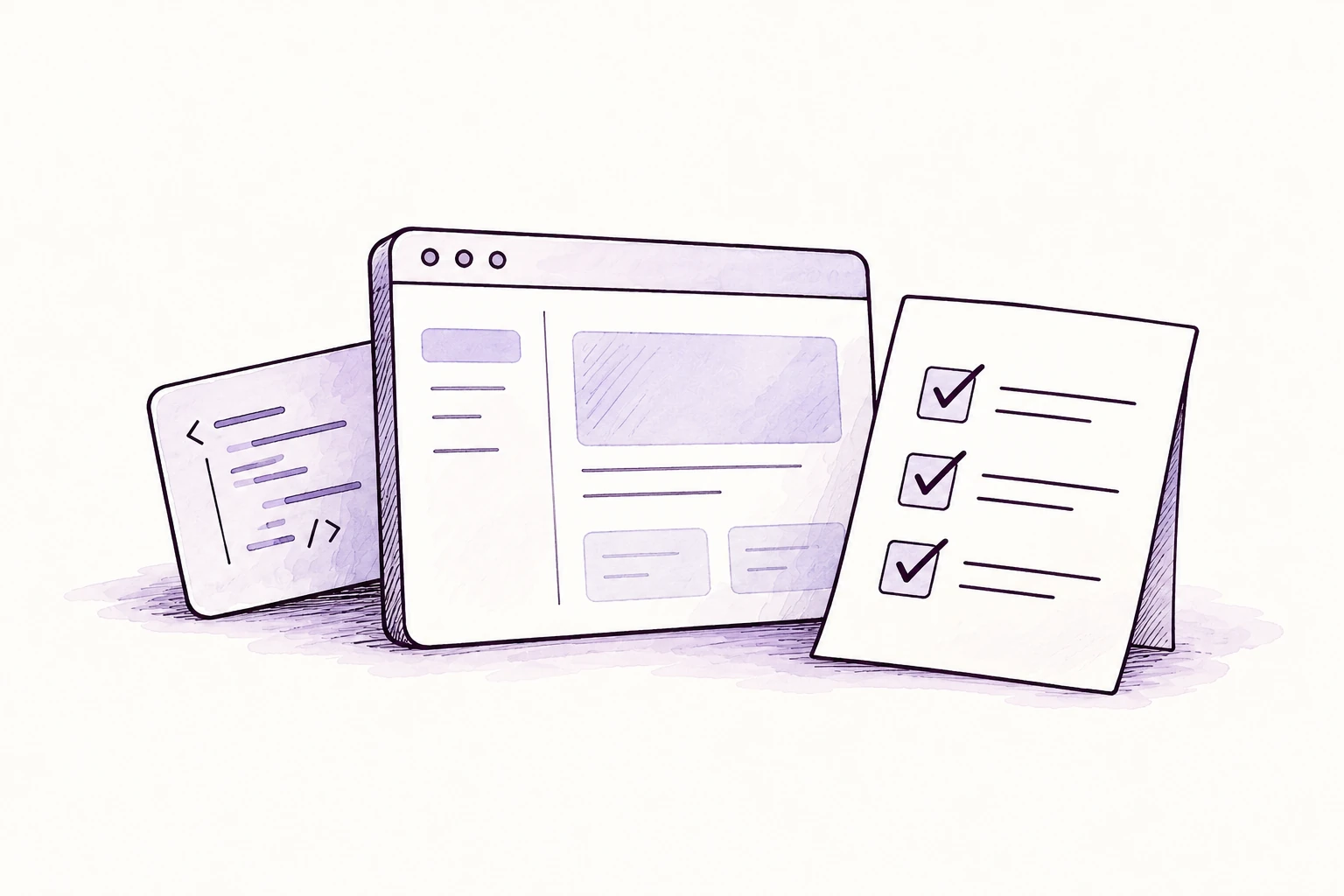
Agentic coding
Deliver a tested code change
Ask a coding agent to investigate, implement and test a feature for your review.
FUERZA AI COMPUTERS
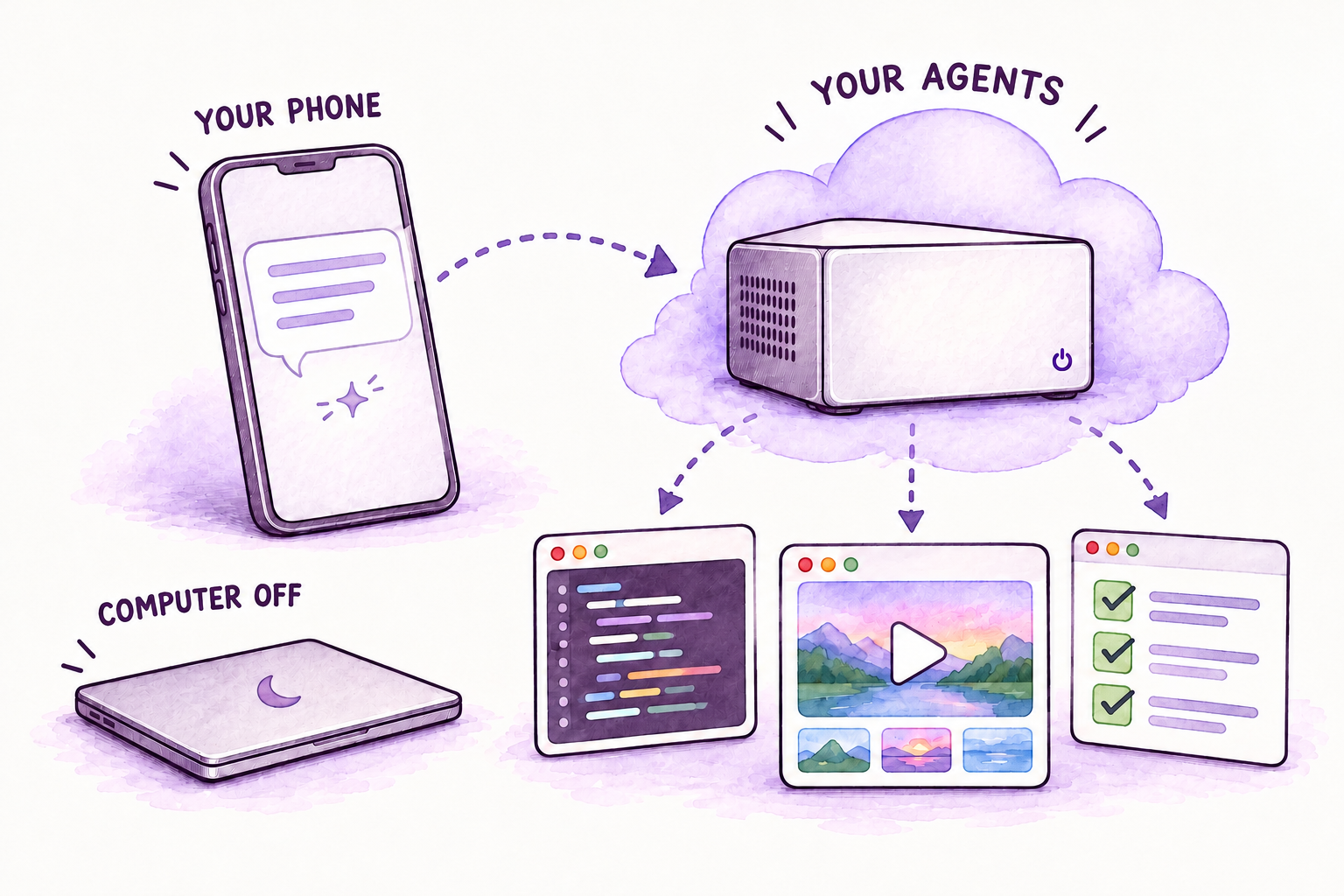
Run agents for coding, creative work, and everyday tasks on one always-on cloud computer. Choose your tools, connect your AI providers, and put your agents to work.
Billed monthly · Plus applicable tax · AI credits extra.


Work. Business. Everyday life.
Build an app, produce a video, run an experiment or coordinate a project. Give your AI a bigger job to work on.
Agentic coding
Ask a coding agent to investigate, implement and test a feature for your review.
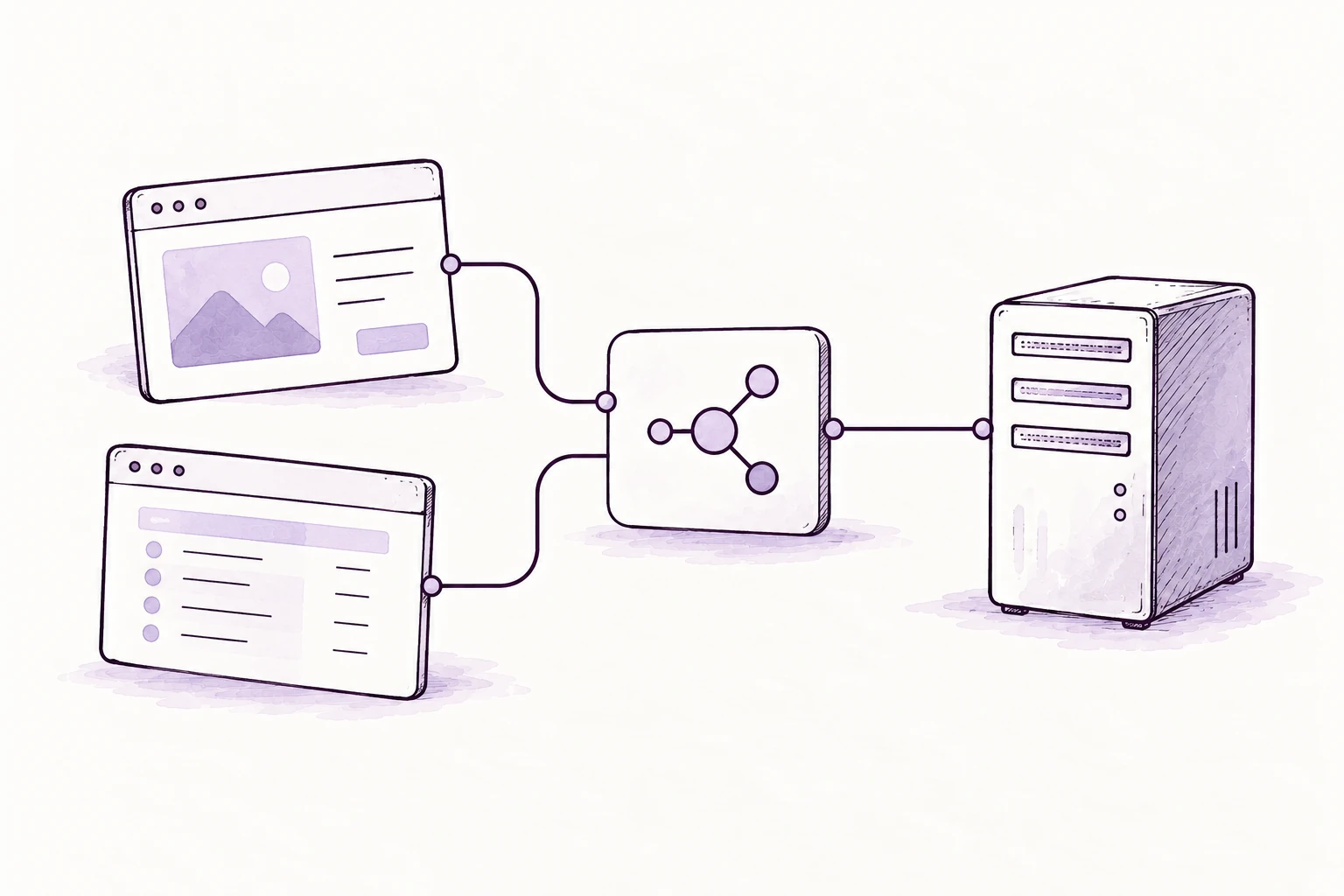
App building
Turn a brief into an app, connect its data and test the main flows.
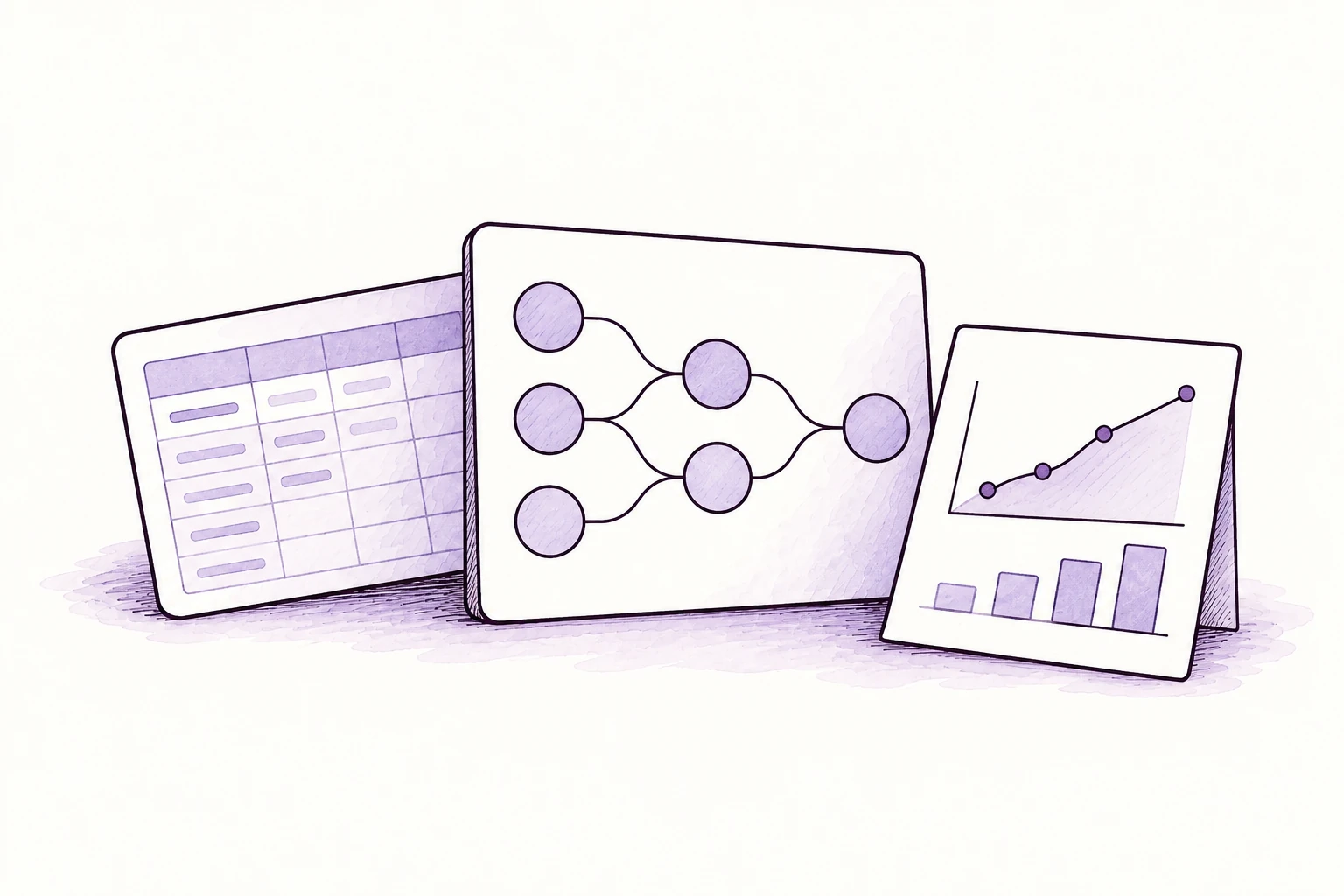
Machine learning
Prepare data, write machine-learning code and compare runs on suitable compute.

Image generation
Develop a consistent set of images from your brand, product and brief.

Video generation
Turn a brief or image into a clip through connected video-generation tools.
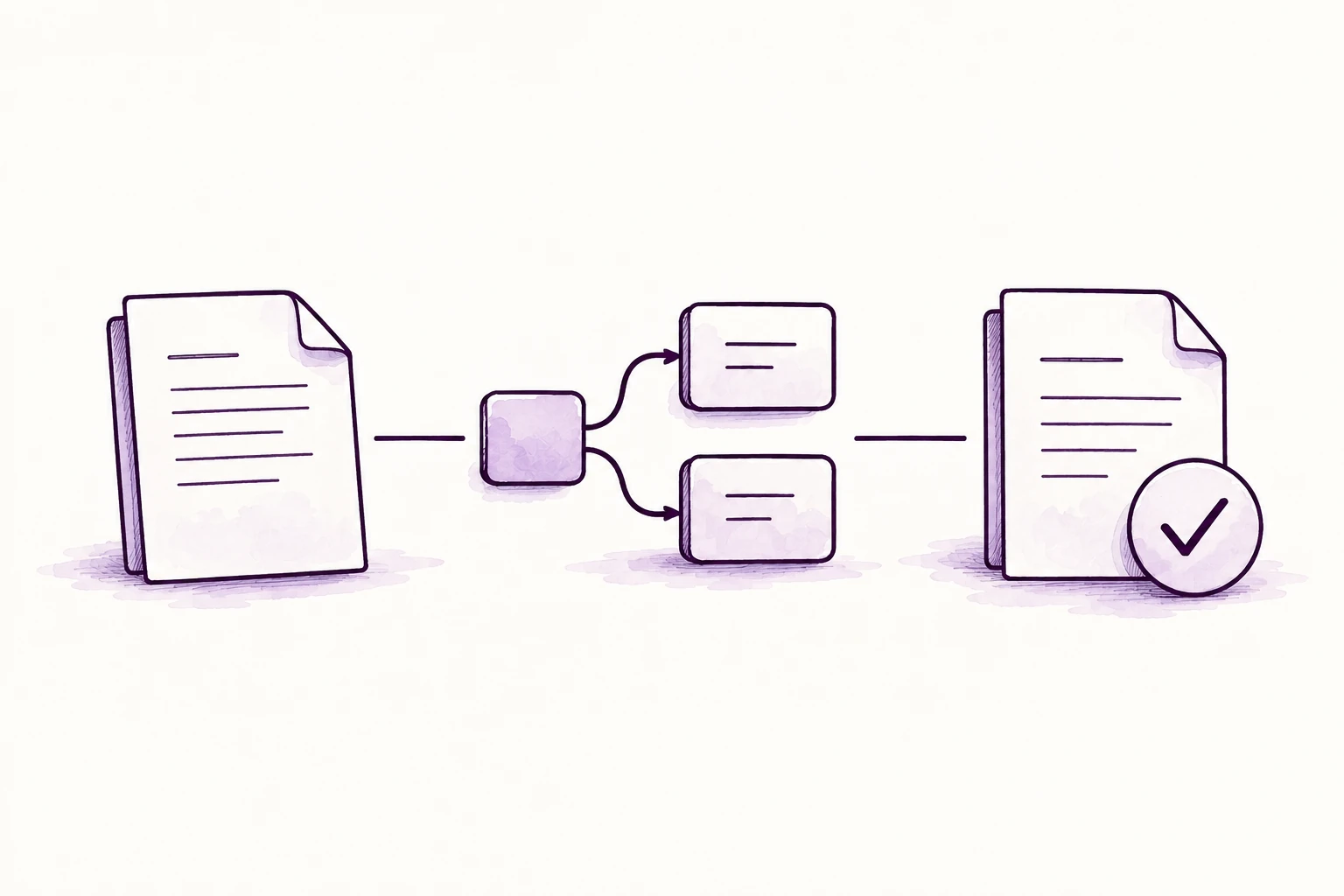
Automation
Connect apps to move information through a repeatable workflow.

Research
Compare markets, competitors or suppliers and produce a brief with sources.
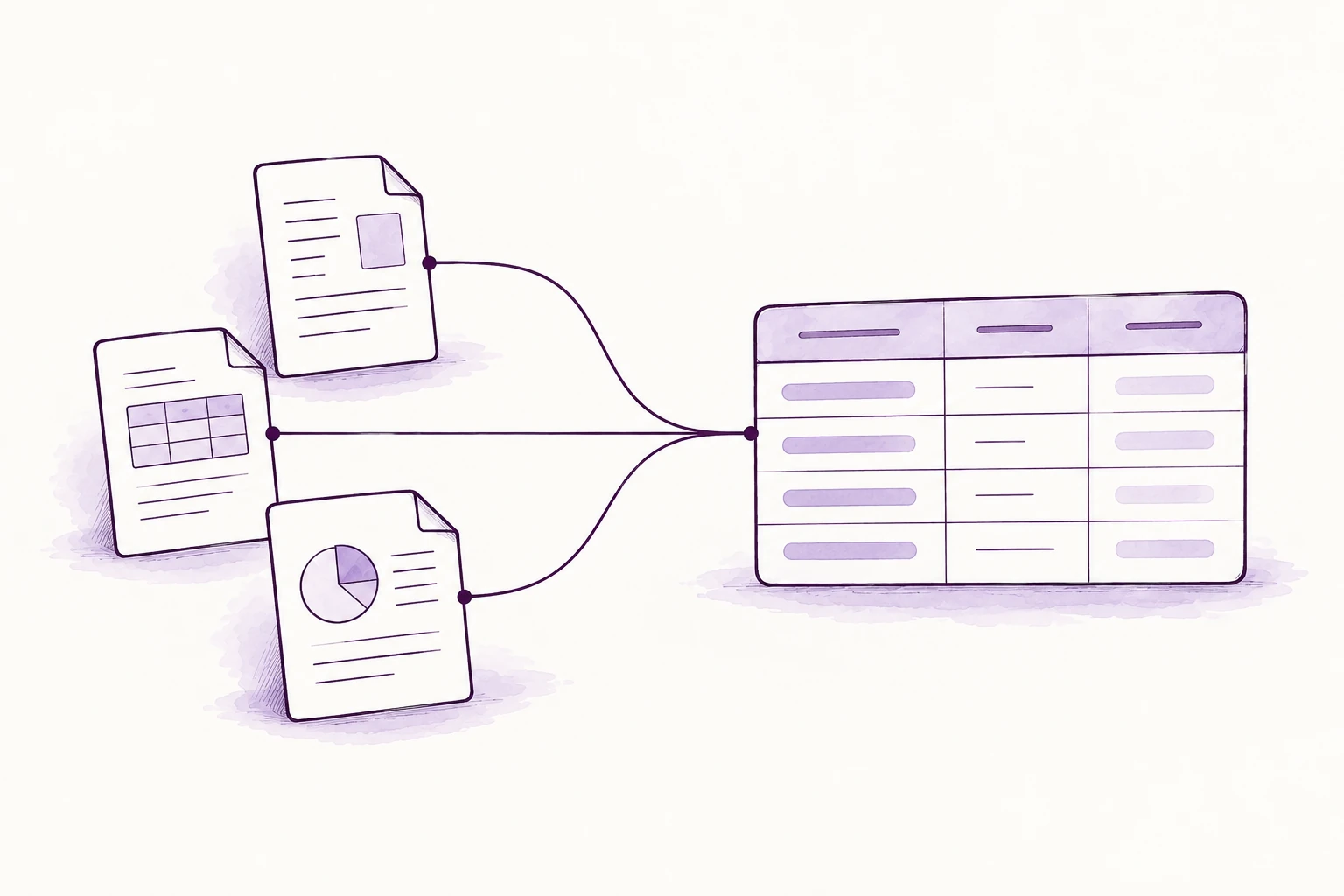
Data analysis
Clean spreadsheet data, investigate patterns and prepare charts and explanations.

Content creation
Turn one idea into coordinated articles, emails and social posts.

Coordination
Break a goal into tasks, track progress and prepare updates and follow-ups.
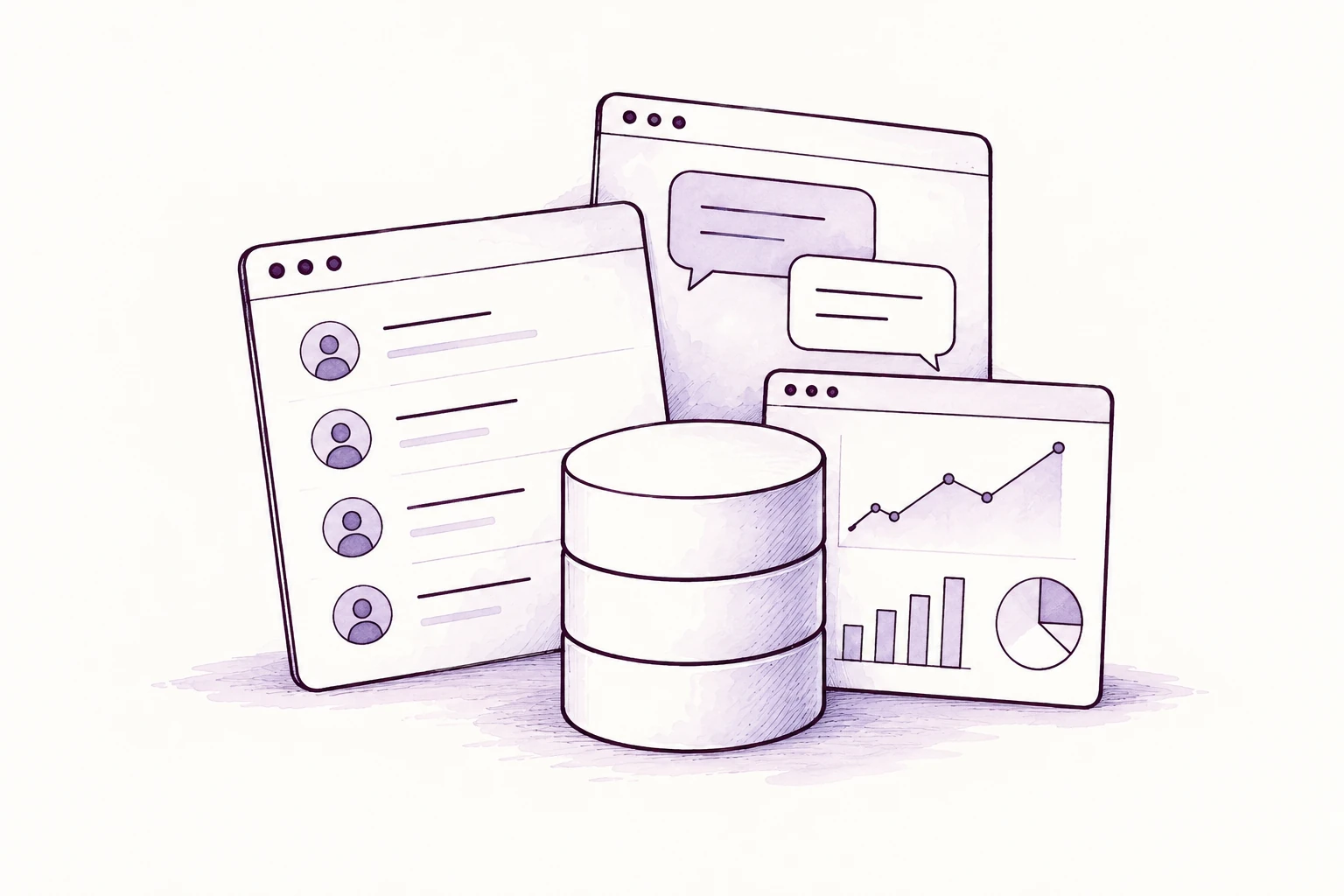
Business reporting
Bring approved data together into a view of the numbers that matter.
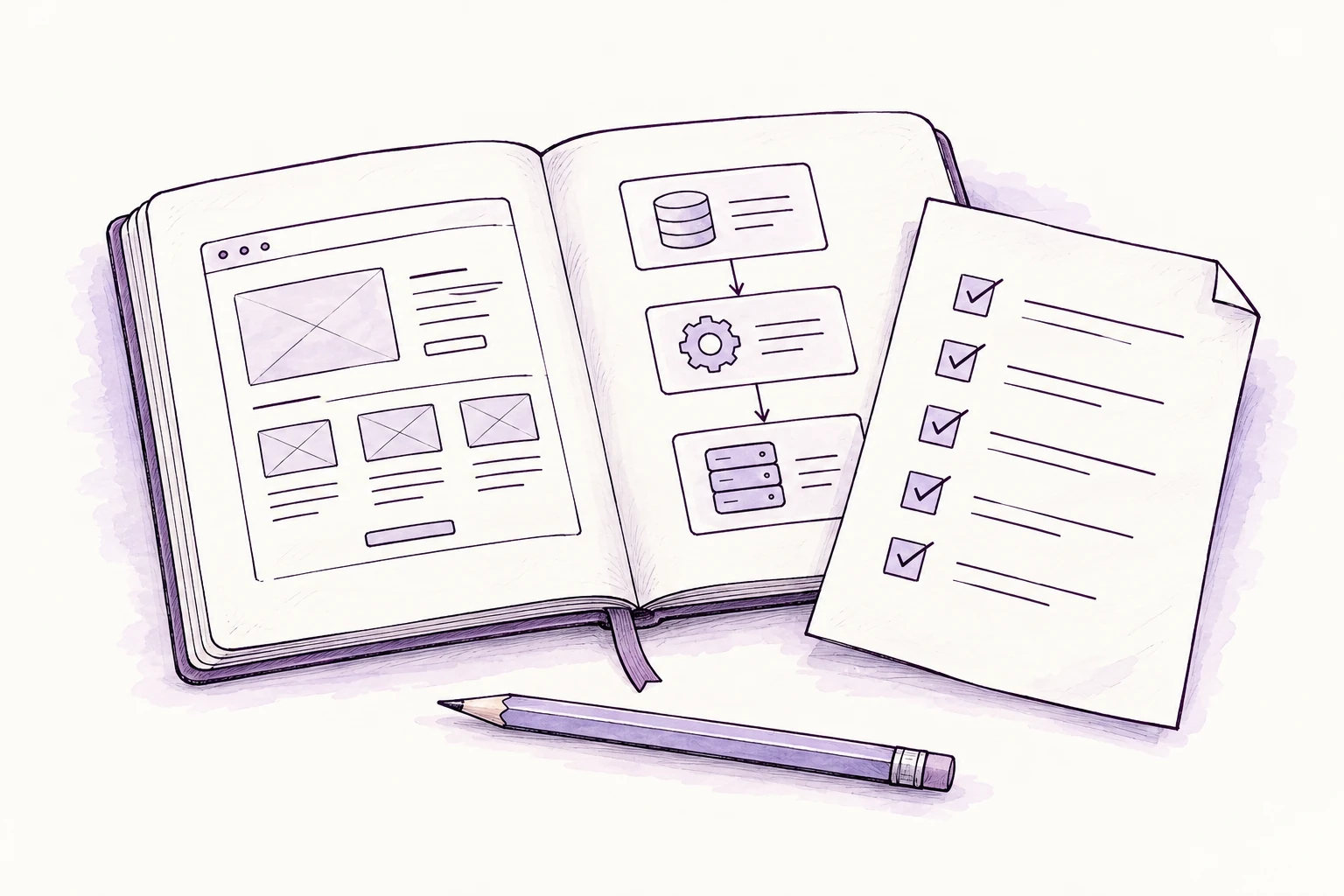
Everyday life
Compare routes and stays, then organise an itinerary around your needs.
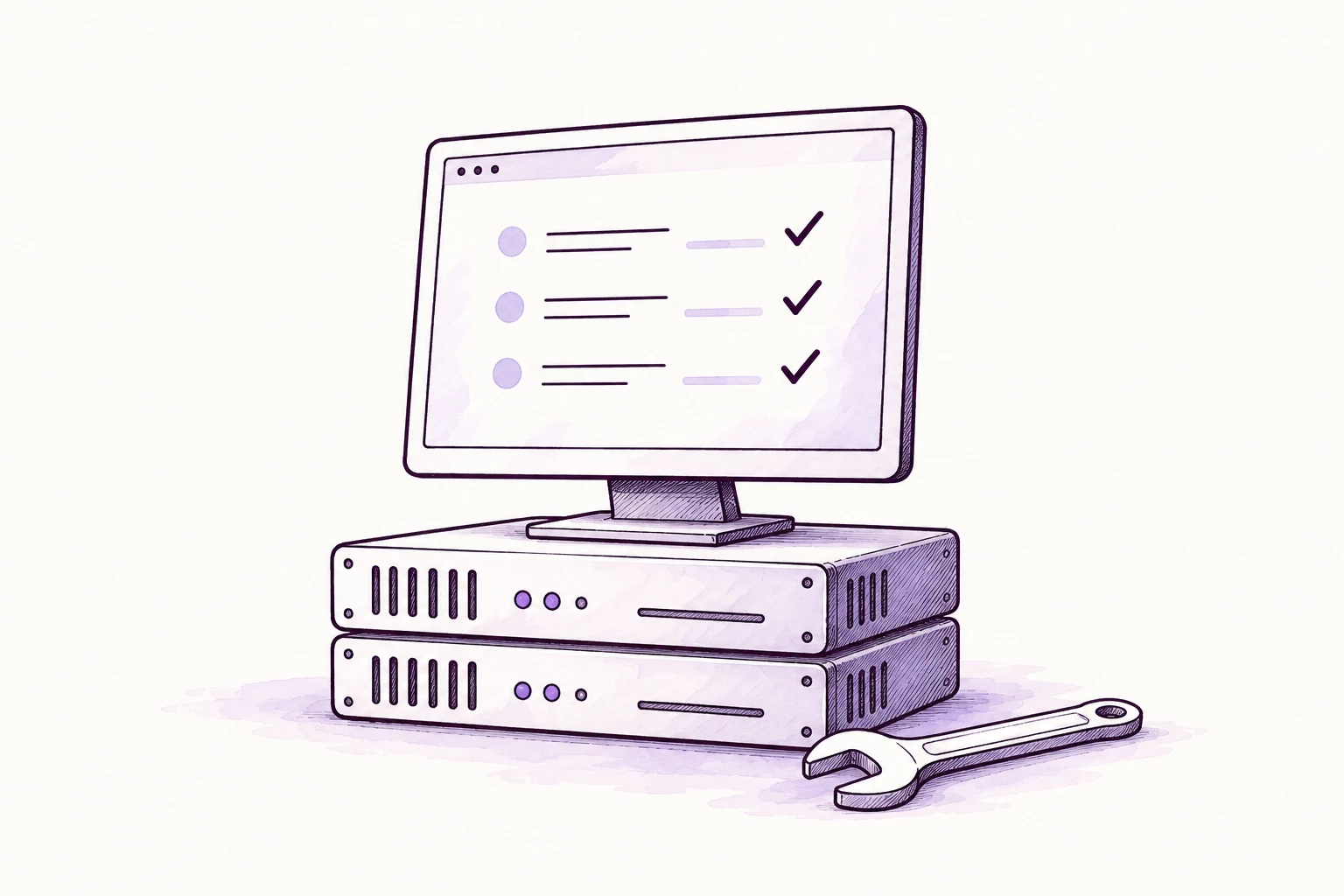
Testing and debugging
Check an app’s main user journeys and investigate where they break.
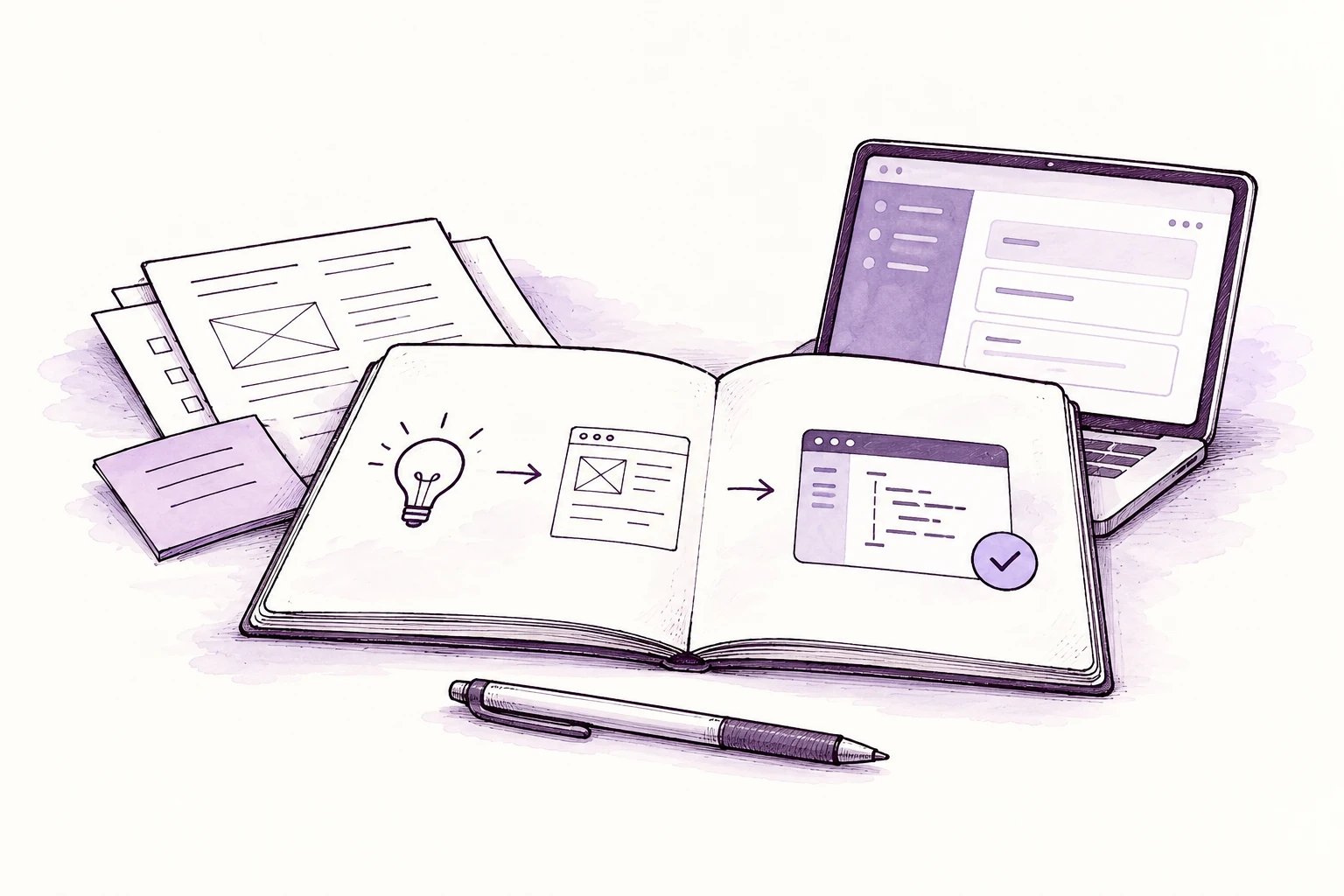
Presentations
Build the story, slide content and speaker notes from your material.
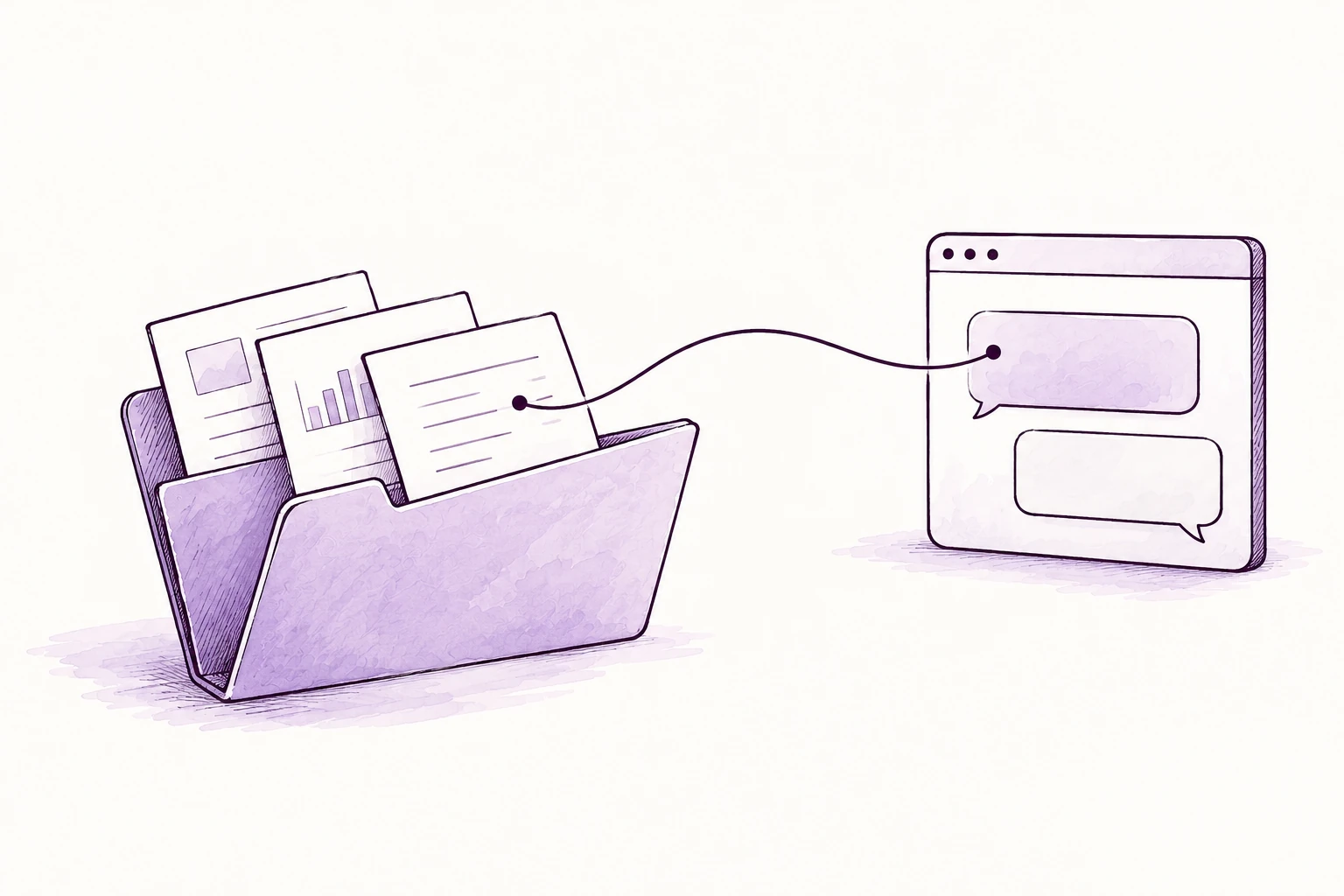
Knowledge
Bring related files together and ground answers in the sources you share.

Customer communication
Use approved customer context to draft helpful replies and track next steps.
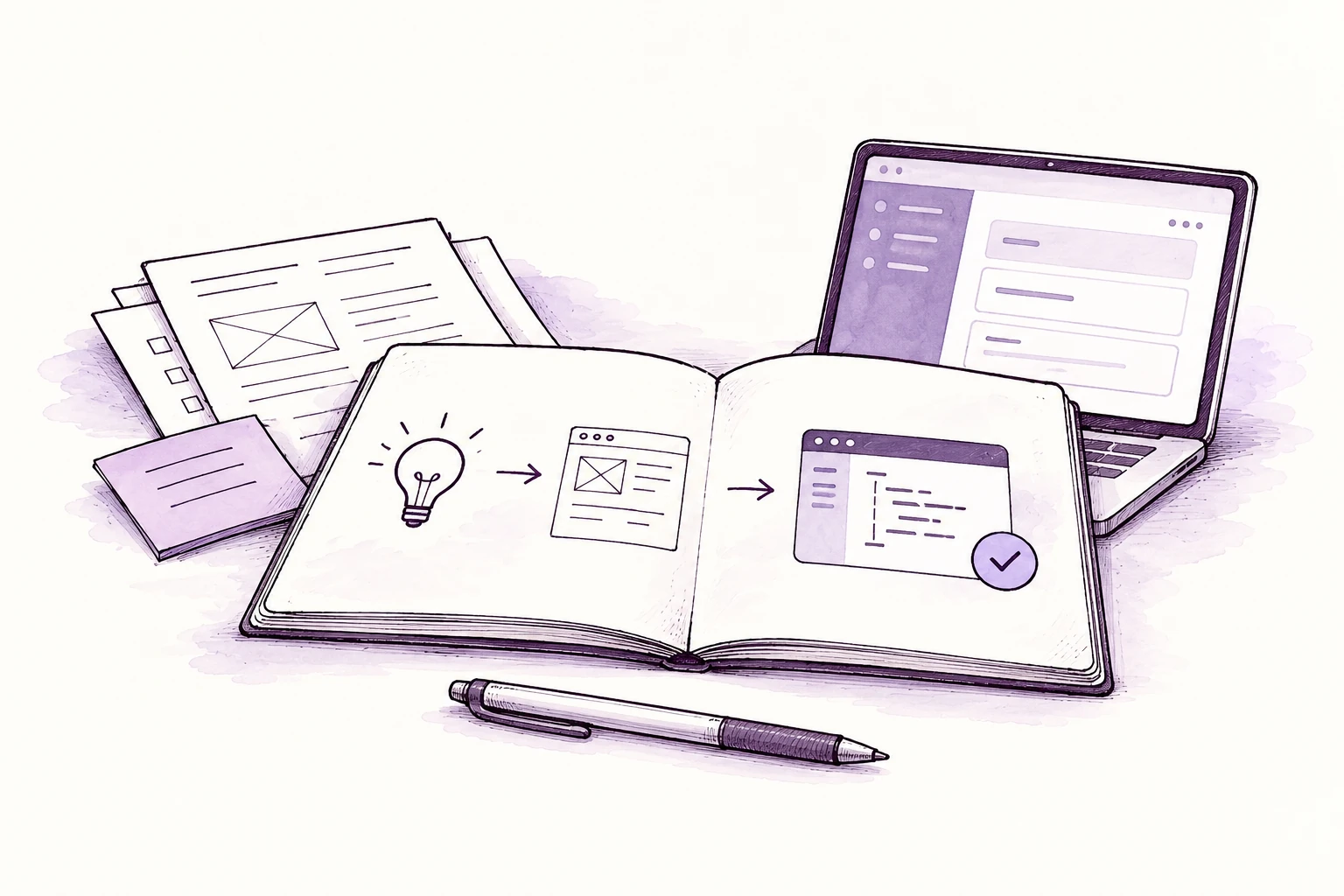
Sales and proposals
Research the requirement and shape a proposal, scope and supporting pitch.
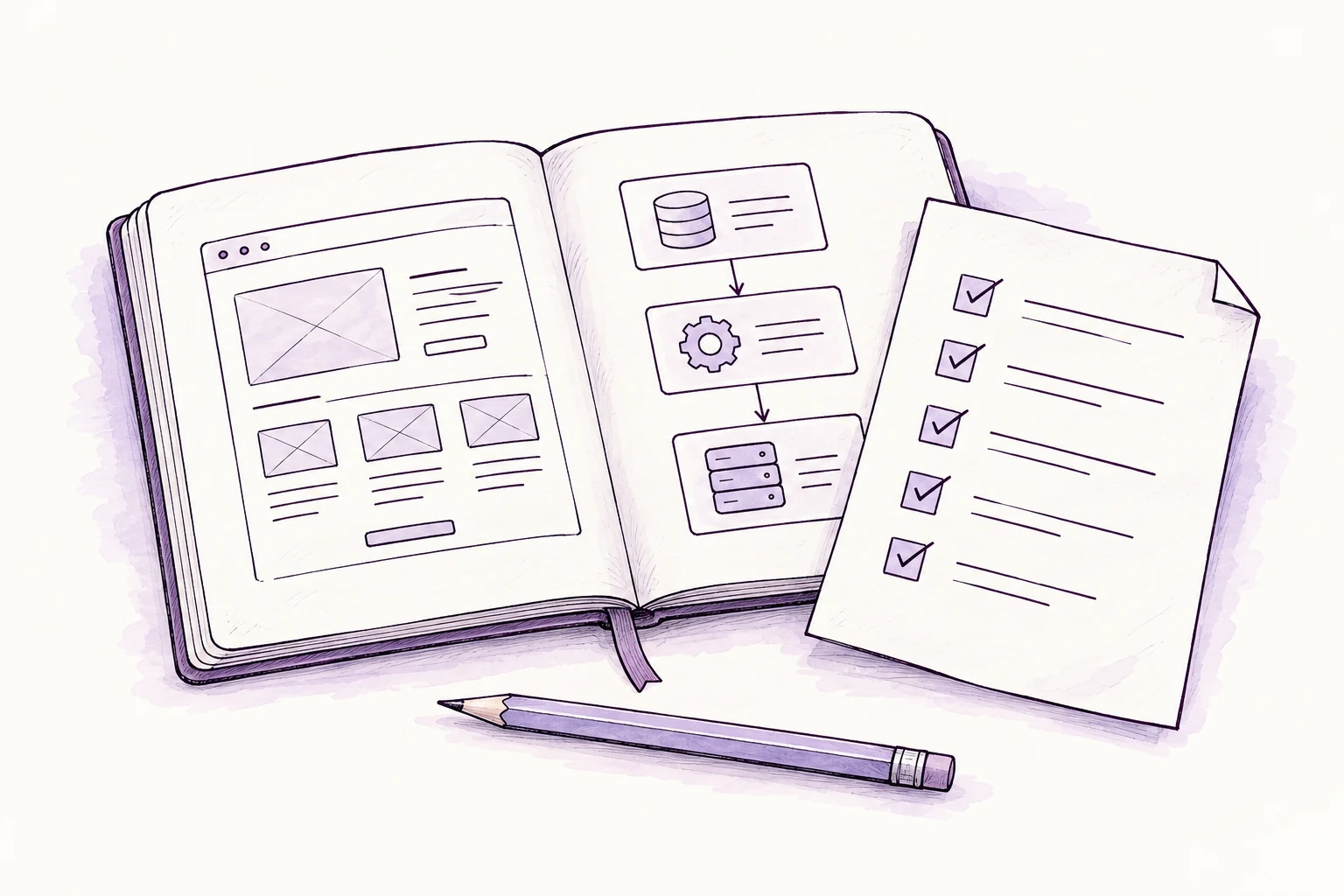
Everyday life
Turn a move, event or course of study into a plan, research and reminders.
AI credits are billed separately.
 GitHub
 Linear
 GitLab
 Jira
 Confluence
 Sentry
 Figma
 Vercel
 Airtable
 Gmail
 Discord
 Notion
 Chrome
 Spotify
 Slack
 Runway
 Google Calendar
 Telegram
 Google Drive
 WhatsApp
 Google Chat
 fal
 Obsidian
 Microsoft Teams
 Google Sheets
 ElevenLabs
 Lark
 Home Assistant
 Matrix
 Perplexity
 Signal
 Sonos
 Mattermost
 ComfyUI
 LINE
 X / Twitter
 Nextcloud Talk
 Deepgram
 WeChat
 Philips Hue
 Twitch
 PixVerse
 1Password
 Zalo
 QQ
 Synology Chat
 Nostr
 ClickClack
Provider and model choices depend on your agent setup.
Start with tools FUERZA sets up for you, or start with a clean computer. Each setup can use any computer size.
Run assistants for research, writing, and everyday work. Reach them through the apps you connect.
Starts with Hermes Agent
Run coding agents on your repos. Come back to code changes and test results.
Choose OpenCode, Codex CLI or Claude Code

Get a clean Ubuntu computer with SSH access and install the stack you want.
Starts with Ubuntu 26.04 LTS
Chat on your phone, work in your browser, or connect directly over SSH.
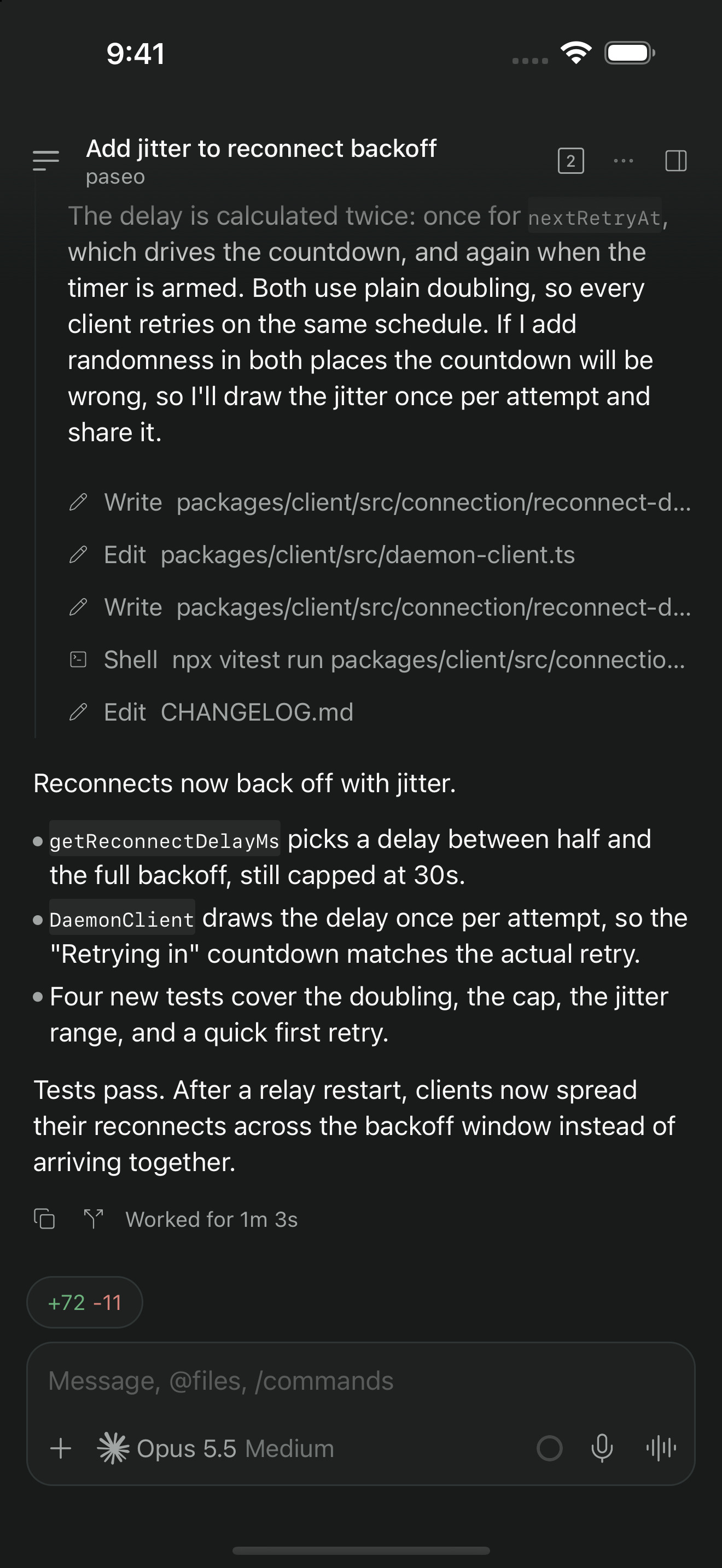
Paseo for iOS and Android
Add Paseo to a Hermes or coding setup to start tasks, check progress, or message your agents from your phone.
 Get the mobile app
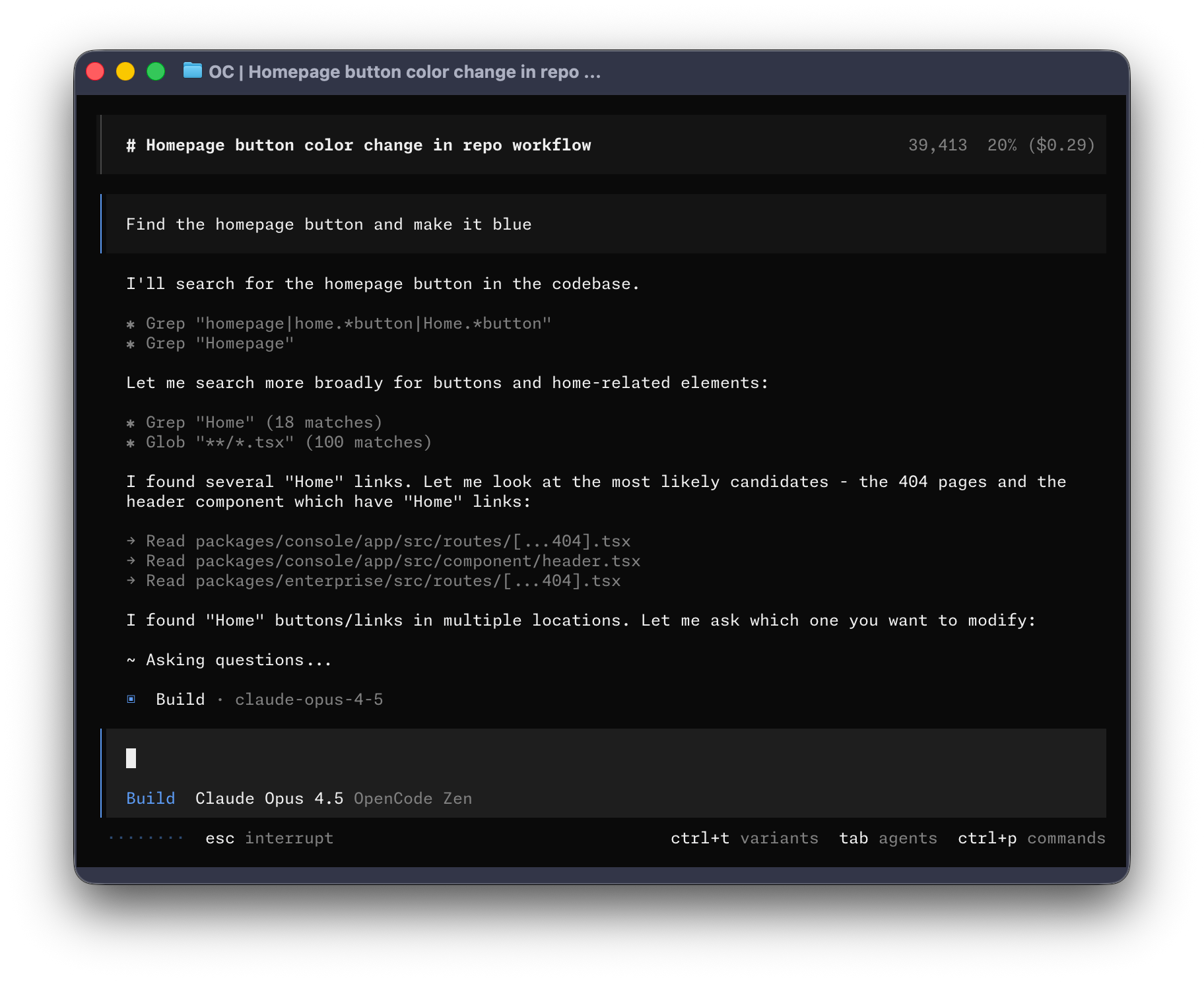
Direct SSH access
Connect from your terminal to run tools like OpenCode, inspect changes, and work with project files.
Explore OpenCode
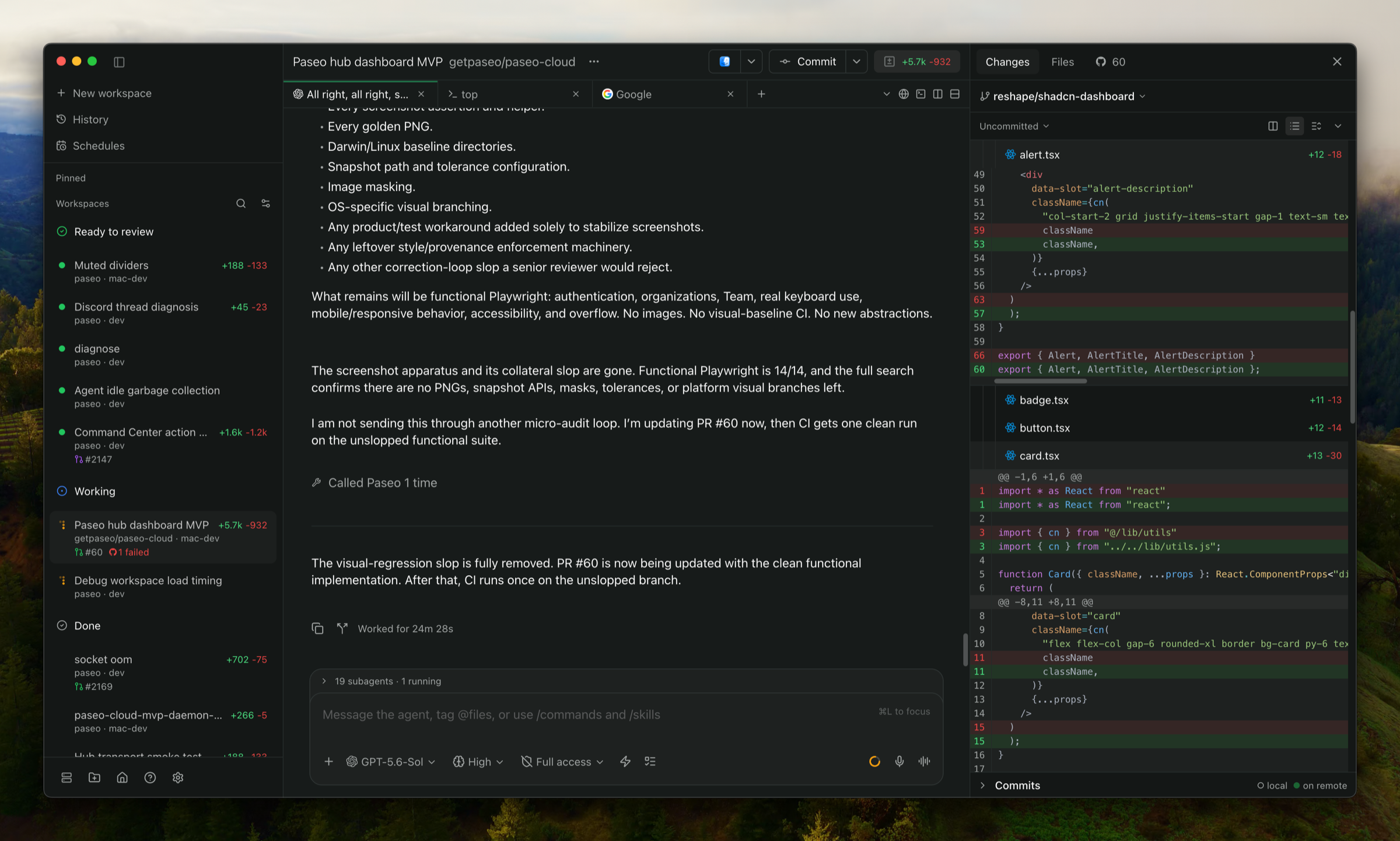
Paseo Web
Add it to a Hermes or coding setup to continue sessions and review work from your browser.
Explore Paseo Web
Paid add-on
Give your agent a dedicated mailbox for messages and forwarded emails.
Your cloud computer
Compare computer sizes and billing. Choose a setup above or pick one when you configure a package.
Pay monthly. Tax added at checkout.
Code, write & plan
Fix code, draft emails and research answers. Plan your day and create content with connected tools.
 1 dedicated IPv4 1 IPv6
Ubuntu 26.04 LTS · Singapore
$11.99 billed monthly
Recommended
Build, connect & coordinate
Build apps, coordinate work and automate follow-ups. Connect research, data and content.
1 dedicated IPv4 1 IPv6 Ubuntu 26.04 LTS · Singapore
$23.99 billed monthly
Agents & automation
Run coding agents and business workflows together, with room for data, image and video tools.
1 dedicated IPv4 1 IPv6 Ubuntu 26.04 LTS · Singapore
$35.99 billed monthly
AI credits are billed separately.
We install the tools you chose and email your access details.
Sign in or add a supported API key inside your private workspace.
Test your connections, start jobs, and come back to the results.
Compare setups, see how to connect, and know what to expect after you order.
A cloud computer in Singapore for running AI agents and their tools. Choose Hermes Agent, a coding workspace, or clean Ubuntu. You choose the computer size and billing term separately.
We prepare your cloud computer and the software you select. Your handover email includes access instructions. Connect your own AI account privately when the workspace is ready.
Choose Hermes for assistants that help you research, write, and organize work. You can set up separate profiles with their own settings and memory.
Choose it if your main job is working in a codebase. Pick OpenCode, Codex CLI, or Claude Code. You can also request a browser code editor or Paseo to work from another device.
Yes. Choose Bring your own tools for a clean Ubuntu 26.04 LTS computer with SSH access. Install your own software after handover.
Yes. Hermes can use separate profiles. For coding, you can run separate agent sessions. They share the same CPU, memory, and storage, so size the computer for the work you want running at the same time.
Pick a computer size, then choose your starting software and any extras. Review your setup, choose Monthly, Yearly, or 2 years, and continue to checkout. Enter your details and pay through Stripe. You can choose an AI provider after handover.
We prepare your workspace and email your access instructions. Once you have access, connect your AI account and any other apps you want to use.
Use an assistant for research, writing, comparing options, or organizing work and personal tasks. Connect the tools you need for jobs like working with spreadsheets, creating images, or coordinating a project.
Yes. With the right coding tools and repository access, it can investigate bugs, edit code, run tests and help build apps or features. Review changes before merging or deploying them, especially when they affect customers or live systems.
Yes, through connected image and video tools. Any package can request generation from a provider; the provider uses its own computing resources and credits. Tools such as FFmpeg can process media on your cloud computer. A GPU is not included in these packages.
It can gather information through connected search or browser tools, compare options against your criteria and prepare a summary with sources. Give it a clear question and check important claims against the original sources, particularly when information changes quickly.
With permission to use the relevant apps, it can turn meeting notes into tasks, prepare customer follow-ups, organize project information and connect steps in a workflow. Keep approval steps for actions such as sending messages, changing records or publishing work.
Yes. It can summarize documents, extract information, help clean data and prepare reports using files you share or services you connect. Scanned documents may need text recognition. Large files and complex analysis need enough memory and storage.
You can run Python and other CPU-based tools for data preparation, analysis, and small experiments. These plans use CPUs. Large training runs or demanding local models may need a separate GPU setup.
It can help plan a trip, compare purchases, organize household information, draft messages or make a practical plan from scattered notes. Connect only the accounts and information needed for the task, and approve bookings, purchases or messages yourself.
What it can do depends on the tools, permissions and workflows you enable. Agree which actions need your approval, especially sending, deleting, purchasing or publishing. Approval controls vary by tool; access to an account should never be treated as permission to do everything.
AI can make mistakes, miss context or use a tool incorrectly. Review its work before you use it. Test code, check sources and verify important figures. Use qualified advice for decisions involving health, law or significant financial consequences.
For everyday assistant tasks, you can start by typing what you need in plain language. Choose Hermes for that kind of work. A clean Ubuntu setup is for people who want to install and manage their own tools.
Sidekick has 4 vCPU, 8 GB RAM and 160 GB SSD. Double Shift has 8 vCPU, 16 GB RAM and 320 GB SSD. Full Tilt has 12 vCPU, 24 GB RAM and 480 GB SSD. They offer the same choice of capabilities, with different room for tools, files and tasks.
Start with Sidekick for research, writing, and light coding. Double Shift gives you more room for builds and automation. Full Tilt gives you the most memory and storage for multiple tools, larger repositories, or data work.
Choose Hermes Agent, a coding workspace with OpenCode, Codex CLI, or Claude Code, or clean Ubuntu. Every computer size offers those same starting choices.
Yes. Select Edit setup in the review to change your software or extras. Switch billing terms directly in the review. To change the computer size, close the setup window and choose another package.
Paseo is an optional workbench for Hermes Agent and the coding workspace. Use it from your phone or browser to start tasks, check progress, and review work. Choose Paseo Workbench when setting up your package. See supported agents.
The starting setups and extras shown in the setup window use the same package price. Your computer size and billing term determine that price. AI usage and paid third-party accounts are billed separately.
All three starting setups run on Ubuntu 26.04 LTS. It comes with Hermes Agent, your selected coding tools, or just Ubuntu and SSH access, depending on what you choose.
Contact us with the changes you need. We will confirm compatibility, any work involved and the revised total before making a paid change. Some changes may require downtime or moving data, so arrange them with us rather than assuming they happen automatically.
Yes. Choose OpenCode and select Meta / Muse as your AI provider. After handover, connect your Meta Model API key privately. Available Muse models and usage charges depend on your Meta account. See Meta’s OpenCode instructions.
You connect your own AI provider account and pay the provider for model or generation usage. The FUERZA price covers the cloud computer and the setup you select.
An API key lets your agent use your AI provider account. Some setups use a sign-in instead. Enter credentials privately after handover and keep them out of checkout and support messages.
Hermes offers OpenAI, Anthropic, Google Gemini, and OpenRouter. OpenCode offers those same options plus Meta / Muse. Choose OpenAI for Codex CLI or Anthropic for Claude Code. You can choose after handover.
A chat subscription does not automatically include API credits. Some tools support a provider’s account login, while others need an API key with separate billing. Check the supported connection and your provider’s terms before relying on an existing subscription.
Yes, where your agent and provider support it. Change the model in your agent’s settings. Check the new model’s prices and tool support before running your usual tasks.
You can connect a reachable Ollama or other supported model endpoint. Running a model on the same cloud computer depends on its memory, model size and speed requirements. These packages are CPU-based; choosing Ollama does not add GPU hardware or guarantee a model will fit.
Check usage in your provider account and use spending limits or alerts where available. More tasks, longer conversations, retries and image or video generation can use more credits. Start with a small workflow and check its cost before leaving it running regularly.
An add-on is software on your cloud computer, such as a browser code editor. A connection gives your agent access to an outside service, such as GitHub or Telegram, after you authorize it.
The Connections section shows examples such as GitHub, Gmail, Slack, and Telegram. Availability depends on the setup you choose. Ask us before ordering if your workflow needs a specific app or action.
Connect your accounts after handover. Use each service’s own sign-in or pairing process and grant the access you want your agent to have. You choose the software when you configure your workspace.
Usually, yes. You need an account with the service you want to connect, and some connections need a paid plan or administrator approval. We cannot grant access that the account owner has not authorized. Check company rules before connecting work systems.
The coding workspace offers OpenCode, Codex CLI, and Claude Code. Pick the tool you use for coding and connect the account it needs after handover.
If you add Paseo, you can use it in your browser. With Hermes, you can also use a messaging app you already have, such as Telegram, once you connect it.
Contact us before ordering with the software name and what you want to do. We’ll check whether it runs on Ubuntu, works with your setup, and fits the computer size you choose.
Only if the service can be reached securely and you have permission to connect it. Home devices, private networks and desktop-only tools may need an additional connection or a device that stays online. Selecting them does not automatically expose or connect your private network.
Use SSH for direct terminal access to your cloud computer. If you add Paseo to a Hermes or coding workspace, you can also reach supported agents from your phone or browser. Your handover email explains how to connect.
Your agents get a place to run their tools and keep project files, even when you switch devices. You can work from the same workspace without moving files between your own computers.
Choose Paseo if you want to use supported agents on your phone. With Hermes, you can also connect Telegram or ask us about a WhatsApp Business connection.
Tasks that use tools, files and connections available on the cloud computer can continue. A task that depends on a file, browser session or tool available only on your own device still needs that device online. Turning off your computer does not turn off the cloud computer.
All AI Workspaces are hosted in Singapore. The country selector changes how prices are shown and which FUERZA contact you see. Your AI provider and other connected services may process data in their own locations.
It does not automatically get access to your personal files. Share, upload or connect the files it needs. A separately authorized device connection can give it more access, so check permissions and keep unrelated or sensitive information out of its workspace.
When an agent uses an external AI model or connected service, it may send that provider the prompts, files, or task data it needs. Check the provider’s data policy before sharing sensitive material.
That depends on the provider, product, account settings and terms you use. FUERZA hosting does not override those policies. Check them before sharing confidential or regulated information. Our Privacy Policy explains how we handle information for our own service.
Enter credentials in your private workspace settings or sign in directly with the service after handover. Keep them out of checkout, email, support messages, and screenshots.
Yes. Disable the connection in your workspace and revoke the relevant permission, token or API key with the original service when it is no longer needed. Review access regularly. Removing a connection does not automatically erase information that was already copied into the workspace.
The price covers your selected cloud computer and starting setup. Checkout shows the amount due for your billing term, plus any applicable tax. AI provider usage and paid third-party accounts are separate.
Monthly billing charges you once a month. Yearly and two-year terms are paid upfront. The review shows the full amount due before tax and how much you save compared with 12 or 24 monthly payments.
The subscription renews on your chosen billing cycle until renewal is cancelled. There is no increase simply because an introductory term ends. We notify you before a platform-wide price change affects renewal. See our Terms & Conditions for how changes work.
Where tax applies, Stripe adds it to the price shown. Your billing address and any applicable tax ID determine the tax. Checkout shows the subtotal before tax, and Stripe shows the final total before you pay.
Some local-currency prices are estimates. We also show the actual payment currency and the full amount you will be charged. Your bank or card provider may apply its own conversion rate or fees if your card uses a different currency.
Your AI provider may charge for model or generation usage. Apps you connect may require their own subscription or license. If you need custom setup, ask us what it will cost before ordering.
Yes. Choose the company option at checkout and enter your company name and billing address. You can use your contact email for invoices or enter a separate invoice email.
You can turn off renewal through Link or email hello@fuerza.cloud for help. Your service stays active until the end of the paid period. Unused time on yearly or two-year plans is refundable where required by law. Contact us about an incorrect charge or a service we cannot provide. See our cancellation and refund terms.
Standard setups usually take 90 minutes to 3 hours during our setup hours: 9am–9pm Singapore time (SGT, UTC+8). Orders placed outside these hours are queued for the next setup window. We email your handover when it is ready. Custom requirements may take longer; we confirm the timing with you.
Use the WhatsApp button to reach the contact for your country, or email hello@fuerza.cloud. Include your order reference and a short description of what you need. Support is in English.
We help you understand the connection and first steps. You sign in or enter credentials privately in your workspace. You remain responsible for the provider account, available credits and any restrictions it places on use.
Tell us who needs access and whether their files, conversations or tools must be kept separate. We can review the right setup and permissions with you. A larger package adds computing resources; it does not automatically include separate user accounts or paid software licenses.
Ongoing care covers updates and security maintenance. We agree backups and application support individually. You manage your connected accounts and the permissions you grant.
We agree backup schedules and restore coverage individually. Ask us what is covered before you rely on it. Keep a copy of any important files.
Check whether your AI account has credits, the service is available and the connection still has permission. If you need help, send us the task, approximate time and a screenshot with sensitive details removed. Provider limits and third-party outages may need action with that provider.
Export files and settings you need before the paid service ends. Workspace data may be recoverable for up to 90 days afterwards; all workspace copies, including backups, are deleted within that period. You can request earlier deletion. Billing records follow separate rules in our Privacy Policy.
No matching answers. Try a different word, or ask us by email.

You do not need a technical brief. Tell him what takes up your time, and he will help you work out a starting point.
 WhatsApp Paul


